How to choose music for a photo video
 By Sagie, founder of Echoes·Updated October 25, 2026
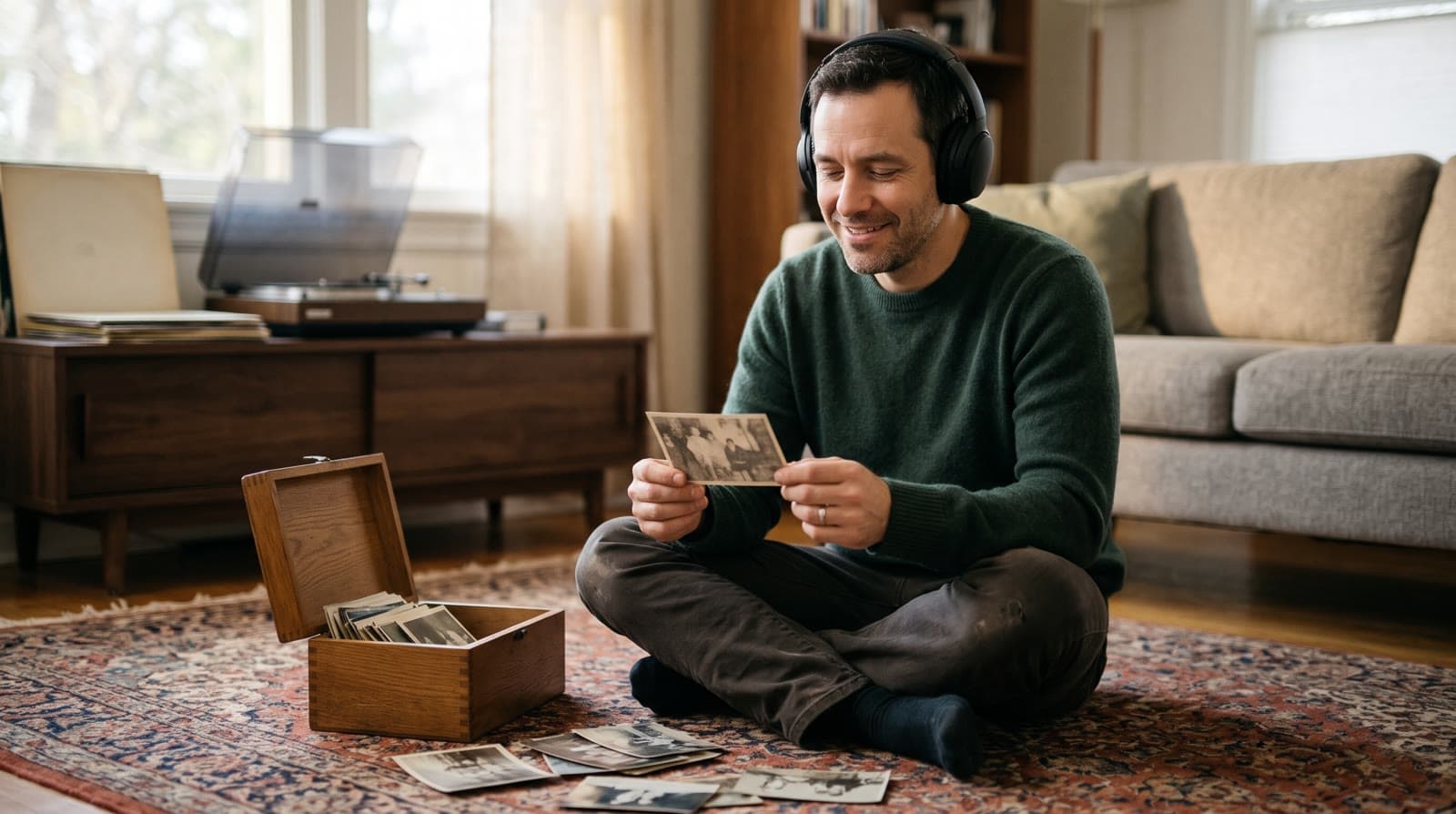
The best music for a photo video fits the room and the person. Instrumental suits a long video or a loud room, a song with words suits a moment people will listen to, and a custom song puts the person's name in the lyrics. In Echoes music is included, and you can change it as often as you like.
Why the music matters as much as the photos
People remember how a video felt more than which photos were in it. Music sets that feeling in the first few seconds: a gentle piano says one thing, an upbeat song from the person's teenage years says another. The same photos can be tender or funny depending on what plays under them.
You do not have to get it right the first time. In Echoes you choose the music at the end, once the animations exist, and you can swap it and build the video again.
Three ways to add music in Echoes
You can mix them freely.
- A track from the built-in library. The quickest option, and a safe one when you want the photos to do the talking. Library tracks are also handy for an opening, before a more personal song starts.
- A song of your own. Upload a song that belongs to the person: the song from their wedding, the one they sing in the car, the one that plays at every family dinner. This is often the most emotional choice. Read the copyright note below before you share the video outside the room.
- A custom song. Echoes writes a draft of the lyrics from what you tell it about the person, you edit any line, and it creates the song sized to your video's length. The personal song guide walks through it.
Instrumental or a song with words?
This is the choice that changes the most.
Instrumental works well when the video is long, when the room will be talking, or when you want people to watch the faces rather than listen to lyrics. It is also the easy choice for a tribute or a memorial, where words can land too heavily.
A song with words works when you want a moment where the room goes quiet and listens. It suits the final stretch of a milestone birthday video, a wedding, or any video where the lyrics say something about the person. If the song is in a language some guests do not speak, think about whether the feeling carries without the words.
A simple rule: if the words do not add anything, choose instrumental.
Match the music to the occasion
- Bar or bat mitzvah. A song that feels like the child, not the grown-ups, usually works best. Something the child actually listens to often lands better than a song chosen for the adults, and a gentler piece can carry the parents' part. See a bar or bat mitzvah video gift.
- Anniversary. Their song, or a song from the year they married. See an anniversary video gift from your photos.
- Milestone birthday. Music from the person's younger years brings the photos to life for a room of friends. See the best video gift for a milestone birthday.
- Memorial. Calm and unhurried, usually instrumental or a song the person loved. See how to make a memorial video from photos.
One song or several?
A soundtrack in Echoes can hold up to five songs that play one after another, so a video does not have to stay in one mood from start to finish. A few patterns that work:
- An instrumental library track for the opening, then a song with words for the main part.
- A different song for each part of a longer video, such as one for her early years, one for his, and their wedding song for the later photos.
- A calm start that lifts toward the end, as the photos reach the present day.
Do not overdo it. In a two-to-three-minute video, one or two songs is usually plenty. More changes can feel busy.
Length: how long the music needs to be
A custom song is sized to the length of your video, so it ends when the video does. A song that is shorter than the video repeats to fill the time, which can sound abrupt with a track that has a clear ending. Watch the finished video once from start to finish, and if the repeat bothers you, add a second song or make a new custom song sized to the new length. The guide on how long a video gift should be helps you decide the length first.
Before you share it: copyright
If you upload a song, keep in mind that buying it or having a streaming subscription does not give you the right to put it in a video you share. Music is protected by copyright, covering both the song and the recording, as the U.S. Copyright Office explains in its copyright basics guide.
Playing a video with a favorite song at a family party is a different situation from posting it publicly. If you plan to post the finished video publicly, check that you have the right to use the song first.
Test it where it will be played
Music that sounds right on headphones can sound different in a hall. Send the finished MP4 to whoever runs the screen a few days ahead, ask for a test with sound, and keep a copy on a USB stick. The guide on showing a video gift at an event has the checklist.
Music is part of the package
Choosing and changing music, title cards and re-compiling the final video are all included, so you can try a few options without worrying about the cost. One customer summed up the experience like this:
"Great video, the platform is really easy to use - just upload photos and it creates a super exciting video!! You can add songs, make a cool opening"
- Lee
The Growing style is our signature video: each photo naturally morphs into the next. For group photos, Classic style works best. Your first animation is free to try.
What makes Echoes different
Echoes turns photos from across the years into one continuous video of a life. Each photo flows into the next, so a baby grows into a bar mitzvah boy, or a couple ages together over decades, in a single unbroken shot. Echoes then finishes it as a gift, ready to play at the event.
- Growing videos. You add dozens of photos of the same person or couple, and Echoes morphs each one into the next. It isn't a slideshow or a set of separate animations: you watch someone grow up or grow old in one continuous video. It fits bar and bat mitzvahs, anniversaries, and family tributes.
- Automated, but guided. Echoes does the heavy lifting: it picks the AI models, writes the prompts, generates the animations, and stitches everything into one finished video. You still decide everything that matters. It walks you step by step through ordering your photos, reviewing each animation (with a full set of free retries), and choosing the opening, the ending, and the music. You get the result of a skilled AI video workflow without having to learn one.
- A finished gift, not a tool. The result is a complete video with titles, an ending, a soundtrack, and a share link. It's priced by the length of the finished video, not by credits or tokens: a one-time purchase, with a 30-day money-back guarantee.

About the author
Sagie, founder of Echoes
Sagie is the founder of Echoes. He built it in 2025 after piecing together an AI video gift from his mother's old childhood photos for her 72nd birthday, and has since helped hundreds of families turn their own photos into video gifts.
Frequently asked questions
- Can I choose where each song starts?
- Yes. When you use more than one song, you choose which animation each song starts at, or have it start after the previous song ends. You do this in the music step when you finish the video.
- Can I start a song partway through?
- No. Every song plays from its beginning. If you want a particular part of a song, upload only that part, or choose a different track.
- Does the custom song come in Hebrew?
- Yes. When you create a custom song you choose the lyrics language, English or Hebrew, and you can read and edit the drafted lyrics before the song is made. There is a daily limit on how many custom songs you can create.
- Can I add narration or a spoken message over the music?
- Voice narration isn't supported yet. What you can add is text: opening and closing title cards, text slides between the parts of the video, and a short caption on any animation, all of which sit comfortably over music.
- Where do the songs I create go?
- Every custom song you create stays in your song library, so you can switch back to an earlier one or use it in another video. You can delete any song from the library whenever you like.