
A personal song for a video gift: how to make one
 By Sagie, founder of Echoes·Updated October 8, 2026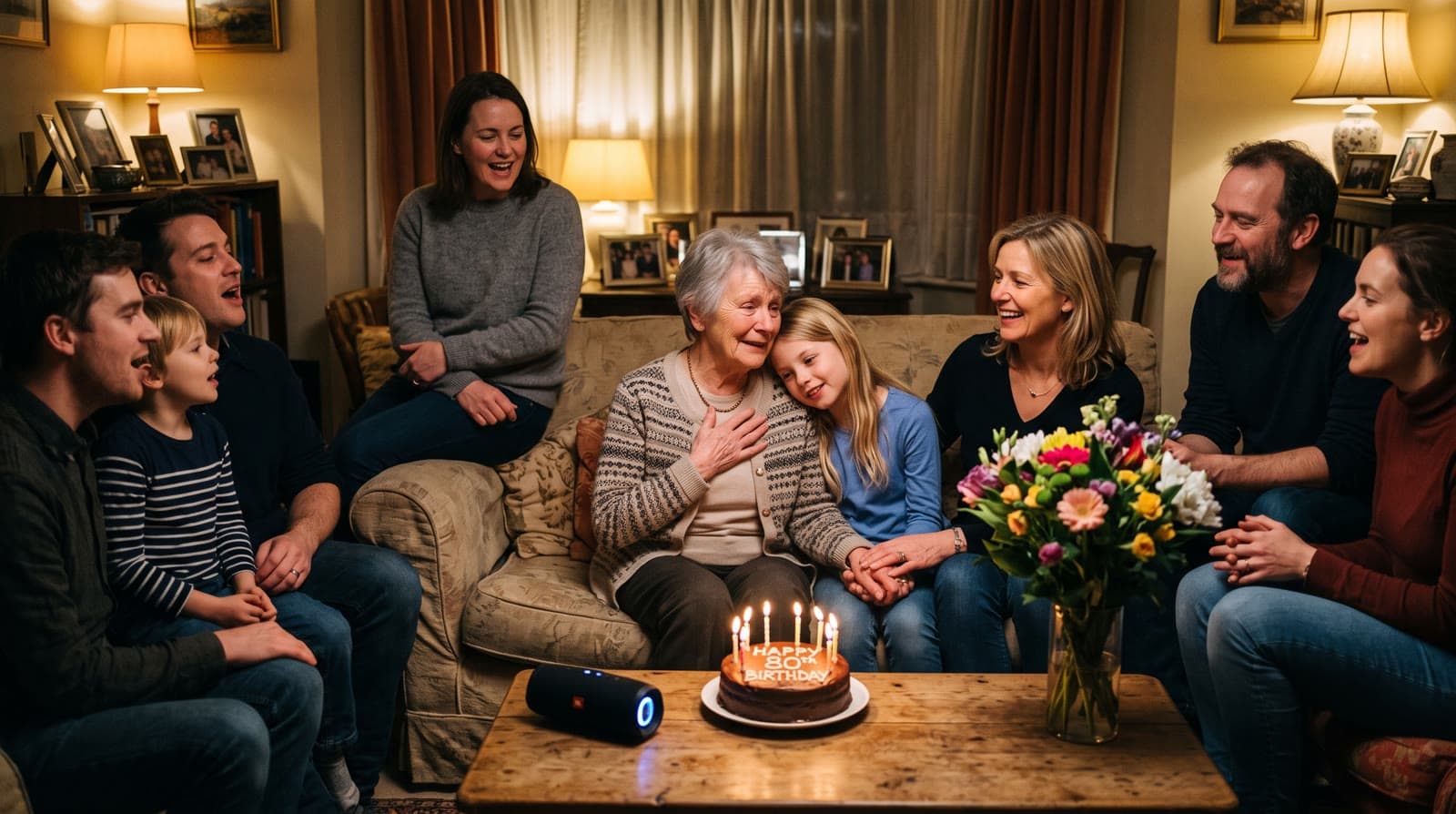
A personal song for a video gift is a song written for one person: their name, the occasion, and your memories are in the lyrics, and it's sized to the length of your video. In Echoes you describe who it's for, pick a style and a voice, edit the drafted lyrics, and in a few minutes you get two versions of the song to choose from.
Why a personal song changes the video
Music does a lot of the emotional work in a photo video. Most people reach for a song they love, and that works. A song that says the person's name, mentions the dog they grew up with, and ends with "happy seventieth" works differently. People stop and listen to the words, because the words are about someone in the room.
For a long time a song like that meant hiring a songwriter, or a family member who plays guitar and is brave enough to sing at the party. Today an AI songwriter can do the first draft, and you stay in charge of the words.
How it works in Echoes
The custom song lives in the music step of your video. It works best once your animations are in, because the song is sized to the video's length. It takes a few minutes:
- Tell us about them. Who the song is for, the occasion, names, and a few memories or things you love about them. A little more detail makes a better song.
- Choose the sound. Pick a style, the voice (female, male, or any), or instrumental only. You can also describe a style in your own words.
- Choose the lyrics language. English or Hebrew.
- Read and edit the lyrics. A draft is written for you, usually in under a minute. Change any line you want, add an inside joke, or redraft from scratch.
- Create the song. It takes about two to three minutes, and you get two takes to choose from. You can close the window while it works; the song appears in your music when it's ready.
The song is sized to your video. If your video runs about two minutes, the song is written to end with it, rather than cutting off in the middle of a line.
What to write in "tell us about them"
The lyrics can only be as personal as what you give them. Some things that work well:
- Names and relationships. "Grandma Ruth, mom of three, grandmother of seven."
- The occasion and the number. "Her 80th birthday", "their 40th anniversary", "his bar mitzvah".
- Specific memories. The house by the sea, Friday dinners, the old blue car, the songs she sang in the kitchen.
- One or two things that make them them. Always early, never forgets a birthday, terrible at hiding the presents.
Short lines are fine. You don't need to write poetry, just facts and memories. Five or six specific details make a better song than a long paragraph of adjectives.
Getting the lyrics right
Read the draft out loud before you create the song. A few things to check:
- Every name is spelled the way it should sound. If a name might be sung wrong, spell it phonetically, for example Tsee-poh-rah for Tzipora. In Hebrew, adding vowel marks (niqqud) to the word usually solves it; a free tool like Dicta's Nakdan can add them for you.
- Nothing is too private for the room. The song will play at a party in front of everyone.
- The facts are right. A wrong year or a wrong child's name is the one thing everyone will notice.
If a take comes out with a word sung wrong, edit that word and create the song again. Changing the language later won't translate lyrics you already have, so choose the language before you edit.
Mixing it with other music
A soundtrack can hold up to three songs, played one after another. For example, you could open with the custom song and then move to a song the person has always loved, or use an instrumental track from the built-in library for the opening and the custom song for the main part.
If you upload a track, the app reminds you of something worth knowing: owning a song or having a streaming subscription doesn't give you the right to put it in a video you share. Music is protected by copyright, including both the song itself and the recording, as the U.S. Copyright Office explains in its copyright basics guide.
Occasions where it lands
- Milestone birthdays. A parent's 60th, 70th, or 80th, with their whole life in the lyrics. See the best video gift for a milestone birthday.
- Anniversaries. How they met, the wedding, the kids, today. See an anniversary video gift from your photos.
- Bar and bat mitzvahs. A song about the child, from the parents. See a bar or bat mitzvah video gift.
In each of these, the song works best with a Growing video, where each photo morphs into the next and the person grows up on screen while the song tells their story.
Where the idea came from
The song is part of the same idea Echoes started with: doing the hard technical parts for you, so you can spend the time on the memories.
"I tested multiple models, tweaked a lot of prompts, and after plenty of trial and error, I managed to create a full video gift of her memories coming to life."
- Sagie, founder of Echoes
Music, title cards, and re-compiling the final video are included in every package. The Growing style is our signature video, where each photo naturally morphs into the next. For group photos, the Classic style works best.

About the author
Sagie, founder of Echoes
Sagie is the founder of Echoes. He built it in 2025 after piecing together an AI video gift from his mother's old childhood photos for her 72nd birthday, and has since helped hundreds of families turn their own photos into video gifts.
Frequently asked questions
- Is the custom song included in the package?
- Yes. Music is included in every package: you can create custom songs, choose from the built-in library, or upload your own, and change the music as often as you like. There is a daily limit on how many custom songs you can create.
- What if I add animations after the song is made?
- The song was sized to the video's length when you made it. If the video gets longer, you can add another song after it, or the song repeats to fill the extra time. You can also create a new song sized to the new length.
- Are the songs I make saved?
- Yes. Every song you create stays in your song library, so you can switch back to an earlier one or use it in another video. You can delete any song from the library whenever you want.
- Can the song be from the whole family?
- Yes. Say so in the details: for example that the song is from all the grandchildren, with their names. The lyrics are written from what you tell us, and you can edit any line before the song is made.
- What if I don't like either take?
- Change what didn't work, whether that's a line in the lyrics, the style, or the voice, and create the song again. Each new song counts toward the daily limit on custom songs, and earlier songs stay in your library.