
An anniversary video gift from your photos
 By Sagie, founder of Echoes·Updated October 5, 2026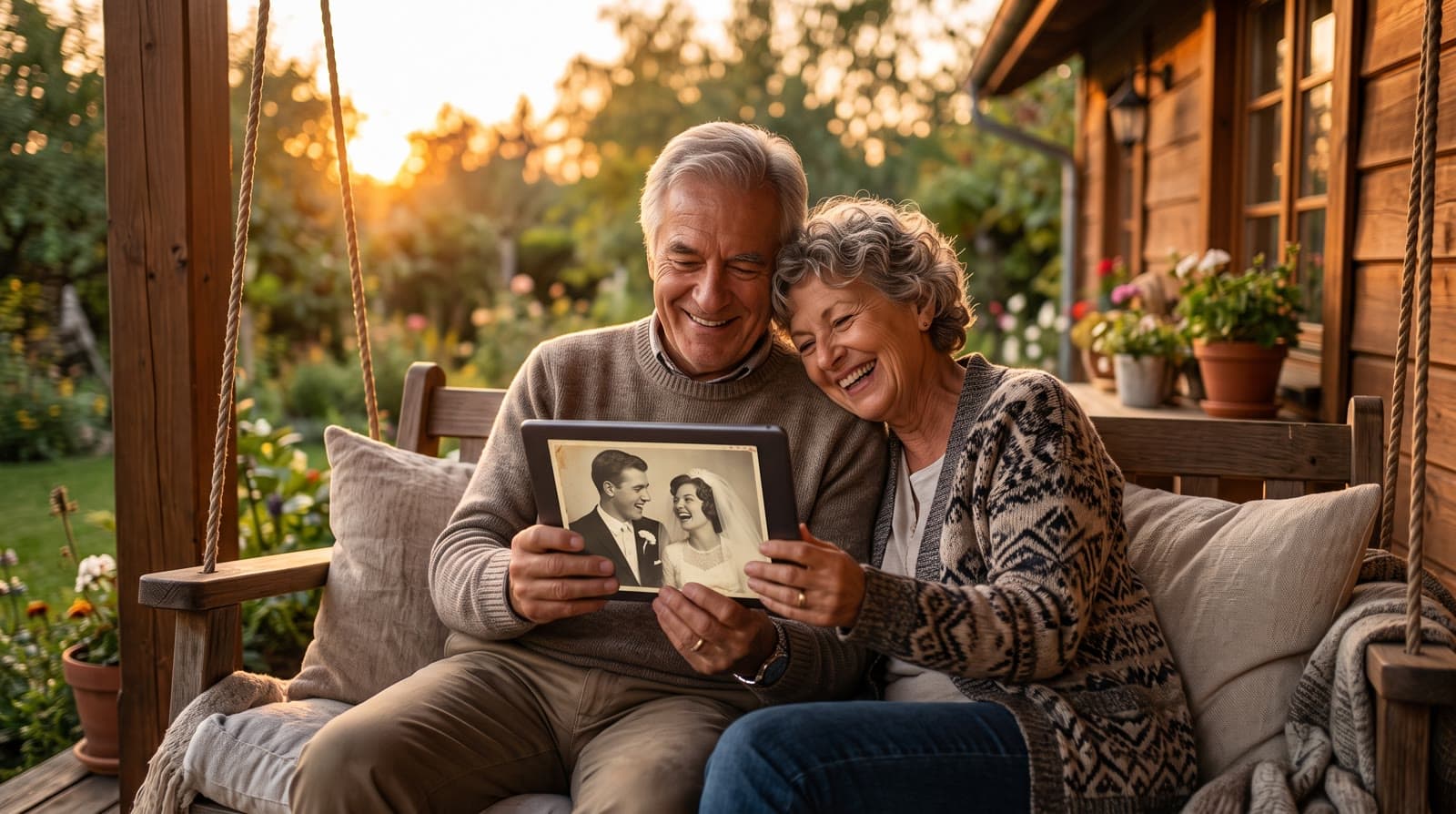
An anniversary video gift takes photos of a couple from across their years together - early days, wedding, family, today - and blends them into one continuous Growing video, set to music with a personal opening. You upload the photos in order, the platform animates and stitches them, and you download an MP4 to play at the celebration.
Why a video says more than a card
An anniversary isn't about a single day - it's about everything since. A card can't hold that, and neither can a shelf of framed photos scattered around the house. What lands is seeing the two of you actually move through the years: younger, then the wedding, then the family, then now.
That pull toward old photos has a name - nostalgia - and it's a big part of why a video that walks through a couple's years tends to land harder than anything you can wrap. A still photo shows one moment; watching the years move is what actually catches people.
With the Growing style, each photo blends into the next, so instead of separate pictures you watch the relationship unfold in one continuous video.
I started Echoes for the same reason - trying to bring my own family's old photos back to life:
"I wanted to make her a special gift - to take her old childhood photos and the photos of her parents, and bring them back to life."
- Sagie, founder of Echoes
What you'll need
Not much. Photos spread across the years you've been together - gather as many as you can (the smallest package is a 1-minute video, which takes 13 photos, and each extra minute takes 12 more). They can be photos already on your phone, or older prints you photograph or scan. That's it. There are no prompts to write and nothing to edit yourself; the platform handles the animating, the transitions, and the compiling.
How to make one
- Gather photos from across your years together - the early days, the wedding, holidays, family, recent ones. Phone photos and scanned prints both work.
- Upload them in order. Each consecutive pair is blended into one animation, so 10 photos give you 9 blends. The motion style for each blend is chosen automatically from a bank of styles, or you can pick it yourself.
- Finish it. Add a personal opening with your own text, a closing title card, and music - a wedding song works beautifully here. Then compile and download.
Each of those steps is a few clicks. Most people are done in under 30 minutes.
Choosing the right photos
The photos matter more than anything else, so it's worth a minute of thought:
- Spread them across the years, so the story feels complete rather than rushed.
- Both faces clearly visible in each photo. If a face is too small, turned away, or hidden, the AI fills in the details and it stops looking like you - so lead with the clear ones.
- Keep the two of you as the focus, ideally with only a couple of other people in frame. Growing works best with a consistent main subject.
For older prints, you don't need a scanner - photographing them flat in even daylight, straight on, is usually enough. If any are fragile, the Library of Congress has a good primer on caring for and handling photographs. And for a deeper walk-through of picking a set, see how to choose photos for a video gift.
Add music, an opening, and a closing title card
Once your animations are ready, the finishing is where it becomes a gift rather than a slideshow:
- A personal opening with your own text, in one of a few styles - Album of Memories, Window of Time, or Door of Light.
- Music. Upload your own (your wedding song is the obvious choice), pick from the built-in library, or generate a custom track with AI.
- A closing title card with a few words for each other at the end.
You can re-compile the final video as many times as you like until it feels right, and swap any photo that didn't blend the way you hoped. Every package comes with a full set of free retries, one for every animation, so anything that isn't right can be regenerated.
Growing or Classic for a couple
For an anniversary, the Growing style, our signature video, is the natural fit: each photo naturally morphs into the next, so you watch the couple change over the years in one flowing video. For group photos, the Classic style works best. Both take as many photos as you like.
Where you'll actually play it
Think about where the video will live before you pick a shape, because the output follows your photos:
- On a screen at the celebration - landscape suits a projector or TV at the dinner.
- On a digital frame at home - you load the finished MP4 onto the frame so it plays on a loop. Square is a safe middle ground here.
- In the family group or on social - portrait fits Stories, Reels, and WhatsApp best.
If your photos are a mix of shapes, square is the most forgiving choice.
What it costs and how long it takes
Echoes is a one-time purchase, not a subscription. Packages are priced by the length of the finished video (the "2 Minute", "3 Minute" packs, and so on), your first animation is free, and there's a 30-day money-back guarantee. Retries, photo swaps, the AI opening, the music, and re-compiling the final cut are all included. If you get stuck, there's a real person on WhatsApp to help. Most people go from photos to a finished video in under 30 minutes.
If this anniversary is without them
Plenty of people make one of these for a first anniversary spent without a spouse, or for parents who are no longer here. It works the same way, and it can be a gentle thing to sit with - the years together, in one quiet video, set to a song that meant something. There's no rush and no wrong way to do it.
Making one for your anniversary? The anniversary video gift page shows examples, how it works, and pricing.

About the author
Sagie, founder of Echoes
Sagie is the founder of Echoes. He built it in 2025 after piecing together an AI video gift from his mother's old childhood photos for her 72nd birthday, and has since helped hundreds of families turn their own photos into video gifts.
Frequently asked questions
- How many photos do I need?
- As many as you can across your years together. Each consecutive pair becomes one animation, so 13 photos give you 12 blends. The smallest package is a 1-minute video, which takes 13 photos in Growing style, and each extra minute takes 12 more - the more you gather, the fuller the story.
- How long does it take to make?
- Most people finish in 15-30 minutes. The animations are created in the background, so you can start it, step away, and come back when it's ready.
- What does it cost?
- It's a one-time purchase priced by the length of the finished video, not a subscription, with a 30-day money-back guarantee. Your first animation is free, and retries and re-compiling the final video are included.
- Can I use our wedding song?
- Yes. You can upload your own song, choose one from the built-in library, or have a custom track generated. Choosing and changing the music is included.
- What happens to our photos - are they private?
- Your photos stay private, are never used to train AI models, and can be deleted from your dashboard anytime. The finished video is yours to download and keep.
- Can I keep it as a keepsake, not just share it?
- Yes. It's an MP4 you can download and keep, play at the anniversary dinner, send in the family group, or load onto a digital frame at home.
- Which photos should I avoid?
- Any where a face isn't clearly visible - too small, turned away, or hidden - since the AI would fill in the details and it wouldn't look like you. Every package comes with a free retry for every animation, so you can test a borderline photo and swap it.