
How to choose music for a memorial video
 By Sagie, founder of Echoes·Updated November 2, 2026
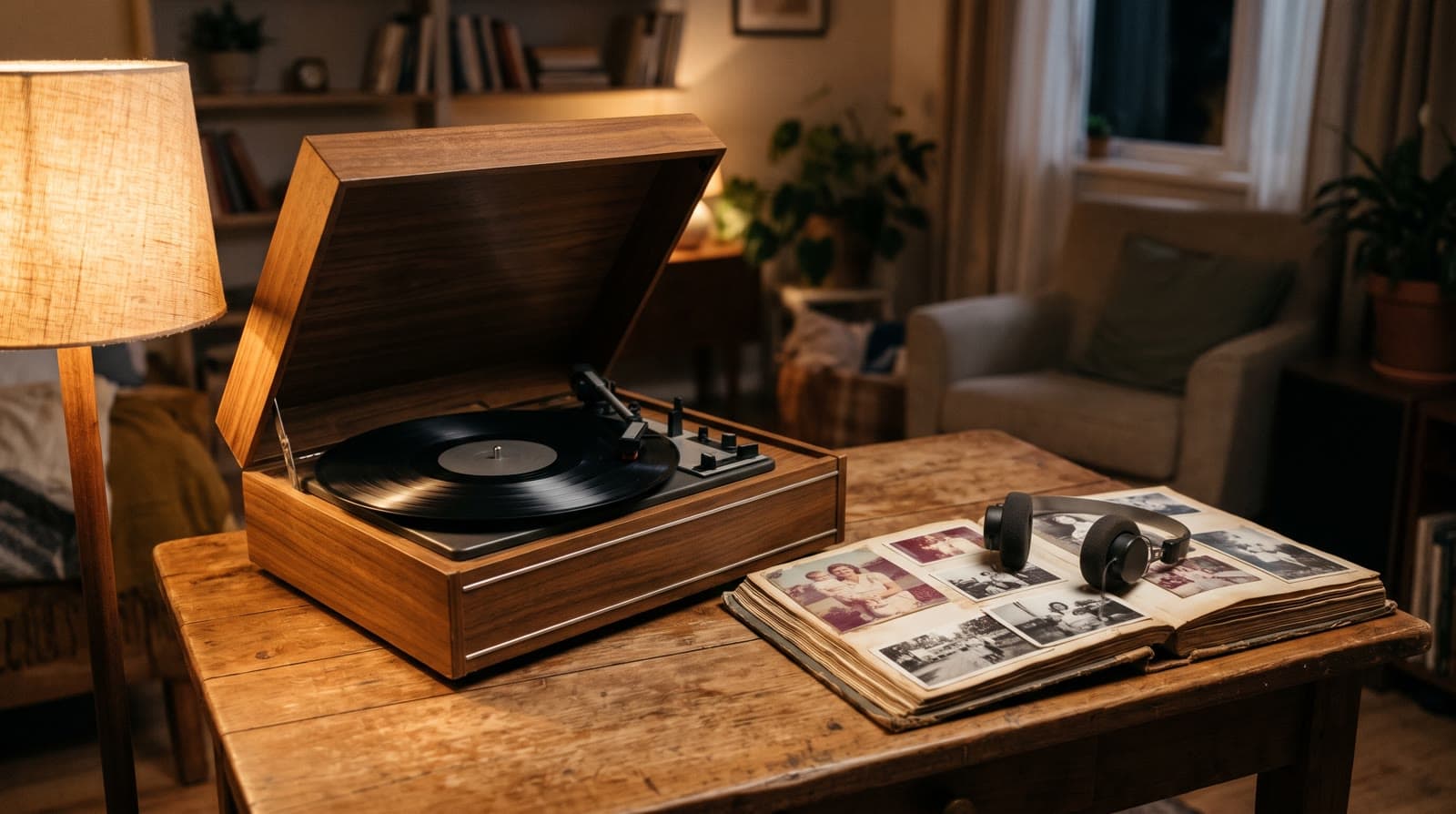
To choose music for a memorial video, start with the person: a song they loved, something quiet and instrumental, or a custom song written from their story. Then think about where it will play. Instrumental sits gently between eulogies; a song with words suits a quiet moment when everyone watches together. In Echoes you can use up to five songs.
Start with the person, not with a list
Choosing a song for someone you've lost can feel like a heavy decision. It doesn't have to be perfect, and it doesn't have to be decided alone.
Lists of "funeral slideshow songs" can help you think, but the songs that fit best may already be in the family. Ask a few relatives: what did they hum in the kitchen, what played in the car, what did they dance to at weddings, which record did they put on every Friday? See whether two or three answers point the same way. And if a spouse or partner, the children or a parent already has a song in mind, that one comes first.
Then think about where the video will play. A memorial service, a celebration of life, a memorial gathering at home, and the memorial a month or a year later each call for something different. The same song can fit a quiet room and feel too loud after a eulogy. That's why this guide doesn't list songs: the choice belongs to them and to the family, not to a chart.
For the rest of the video, from the photos to the opening, the memorial video guide covers the whole process.
Three ways to add music in Echoes
The song they loved, uploaded by you
If there's a song that was theirs, you can upload it. A song with words they loved carries meaning that no other music can: people who knew them recognize it, and some may sing along quietly. You can upload MP3, M4A or WAV files, and add several at once.
Before the upload there's a short confirmation: that you own the audio or have secured the rights needed to use it in your video and to share that video. Owning a purchased track, or having a streaming subscription, is not the same as having those rights. If that leaves you unsure about a song, the built-in library or a custom song is the simpler path.
Two gentle checks: listen to the whole song once, in case a line feels wrong for a memorial, and listen to how loud it is next to the words people will say. A loud chorus right after a eulogy can feel jarring.
Something quiet from the built-in library
If you're looking for instrumental music for a memorial slideshow or video, the Echoes library is a set of hand-picked instrumental tracks. It's the simplest choice when eulogies come right before or after, or when the family hasn't settled on one song, and it works well for the first part of the video, before a more personal song begins.
A song written from their story
A custom song is generated with AI. In the music step you open Tell us about them and write a few lines: their name, the places they lived, the people they loved, a few memories. The AI drafts the lyrics from what you wrote, and you edit them under Lyrics - make them yours, changing any line or redrafting for free. You choose the lyrics language, the style, and the voice, or Instrumental only (no singing) if you want music shaped to the video with no words at all.
For a memorial, plain details work better than big words: "she grew roses on the balcony", "he walked us to school every morning". Read the lyrics out loud before you create the song, check that every name is right, and leave out anything the family would rather keep private. The personal song guide walks through the wizard step by step.
Instrumental, or a song with words?
Instrumental fits when the video is one part of a longer memorial, with eulogies before or after. If someone speaks next, it lets them begin without a song still in everyone's ears. It also suits a video that plays while people sit together and talk at a gathering at home.
A song with words fits when the video has a quiet moment of its own, when the room is still and everyone watches together. If the song is in a language some relatives don't speak, think about whether the feeling still carries.
Some families prefer no music at all. That's possible too: set the music volume to zero, and the video plays silently. The broader guide on music for a photo video compares instrumental music and songs with words for other occasions.
Shaping the soundtrack across a life
A soundtrack in Echoes can hold up to five songs that play one after another. For a memorial video, the most natural shape follows the life itself:
- One song for the early years, another for the later years. For example, a song from their youth over the childhood and wedding photos, then a calmer piece over the years with children and grandchildren.
- Start a song at a specific animation. You choose where each song begins, such as Starts at animation 14, and each song plays until the next one starts. If a text slide introduces that part of the video, the song starts with the slide.
- Start a song with the closing. The last song can begin exactly when the closing starts, so the ending gets its own music.
In a Growing video, where each photo naturally morphs into the next, a change of song at the right animation feels like turning a page. There's no need for many, though: in a three-minute video, two songs are usually enough, and one is fine too.
When the closing has its own sound
If you have a home video of them, a birthday toast or a few words to the camera, it can close the memorial video. A closing video can run up to two minutes and keeps its own sound. You choose what is heard during it: Only your video's sound (the music stops, which is best for a spoken message), Music and your video's sound together, or Only the music. With the first option, the last thing everyone hears is their own voice.
Practical checks: length, volume and the hall
Length. A custom song is sized to your video, so it ends when the video does. A song you upload that is shorter than its part of the video will probably repeat, and the music step tells you so. If the songs above it already fill the video, a later song may not be heard at all. Turning on Longer animations (each animation plays a little longer, for a calmer pace) makes the video longer, so it needs more music. The guide on how long a video should be helps you set the length first.
Volume. The Music volume slider sets how loud the music is in the final video. On a phone, the preview follows your phone's volume buttons, but the slider still sets the final level. If the video plays between eulogies, a slightly lower music level is gentler on everyone.
The hall. Music that sounds right on headphones can sound different through a hall's speakers, which are often set up for a microphone. Send the MP4 to whoever runs the screen a few days ahead, ask for a test with the sound at the level it will really play, and keep a copy on a USB stick. This is a good task for a friend or relative who offered to help. The guide on playing a video on a screen at a gathering has the full checklist.
Music rights, and posting the video online
If the family would like to post the video online, for relatives far away, this is worth knowing ahead of time.
Social platforms have their own rules for copyrighted music when a video is posted. YouTube, for example, automatically scans every uploaded video with its Content ID system, and depending on the copyright owner's settings a match can block the video, run ads on it, or track it, as YouTube Help explains. Meta's music guidelines say that content with music owned by someone else may be blocked, muted or removed if that use isn't properly authorized.
This isn't legal advice, and the rules differ by platform. Owning a song, or streaming it, doesn't by itself give you the right to put it in a video you share. If you're unsure about a song, choose a track from the built-in library or create a custom song for them instead.
Trying a few options is part of it
Changing the songs and re-compiling are included, so you can listen to two or three versions before the day, together with the family if you like. Nothing has to be settled on the first try.
Trying a song and changing it later is easy to do yourself, and a real person answers on WhatsApp if something gets stuck. As one customer put it:
"I was able to handle every step completely on my own, including the necessary revisions."
- Keren
When you're ready for the words that go with the music, see what to write in a memorial video. If the video is for the yearly memorial or the end of the first month, the guide to a video for the azkara covers preparing for it.
The Growing style is our signature video: each photo naturally morphs into the next. For group photos, Classic style works best.
What makes Echoes different
Echoes turns photos from across the years into one continuous video of a life. Each photo flows into the next, so a little girl grows into the grandmother the family knew, or a couple ages together over decades, in a single unbroken shot. Echoes then finishes it, ready to play at the memorial.
- Growing videos. You add dozens of photos of the same person or couple, and Echoes morphs each one into the next. It isn't a slideshow or a set of separate animations: you watch someone grow up or grow old in one continuous video. It fits memorials, family tributes, and anniversaries.
- Automated, but guided. Echoes does the heavy lifting: it picks the AI models, writes the prompts, generates the animations, and stitches everything into one finished video. You still decide everything that matters. It walks you step by step through ordering your photos, reviewing each animation (with a full set of free retries), and choosing the opening, the ending, and the music. You get the result of a skilled AI video workflow without having to learn one.
- A finished video, not a tool. The result is a complete video with titles, an ending, a soundtrack, and a share link. It's priced by the length of the finished video, not by credits or tokens: a one-time purchase, with a 30-day money-back guarantee.
Your first animation is free to try, so you can see how one of their photos looks, and take your time deciding.

About the author
Sagie, founder of Echoes
Sagie is the founder of Echoes. He built it in 2025 after making a video from his mother's old childhood photos, and has since helped hundreds of families turn their own photos into videos.
Frequently asked questions
- Does the music cost extra?
- No. Music is included in every package: uploading your own songs, the built-in library and custom songs, along with changing the music and re-compiling the final video as many times as you like. There is a daily limit on how many custom songs you can create, so a family trying several ideas may spread them over two days.
- What if a name or a word is sung wrong in the custom song?
- Spell the name in the lyrics the way it sounds and create the song again, for example 'Shiv-awn' instead of 'Siobhan'. For a Hebrew word that comes out wrong, add vowel marks (nikud) to that word in the lyrics, for example with a free tool such as Nakdan. Each new version is similar but never identical, so keep the take you like best.
- How long does a custom song take to make?
- The lyrics are usually drafted in 30 to 60 seconds. After you edit them and create the song, composing takes about two to three minutes, and you get two takes to choose from. You can close the window while it works; the song appears in the music section when it's ready.
- Can I play the custom song on its own at the memorial?
- Yes. A custom song stays in your song library, and once you've bought a package you can download a take as an MP3 from the music step. You could play it again after the video, or send it to relatives who couldn't be there.
- Can I change the music later, for the yearly memorial?
- Yes. The video stays in your account, and you can come back later, choose different music and re-compile the final video at no extra cost. You can keep the same animations and change only the song, or update the opening or closing text for the next gathering.