Bar mitzvah video help: 9 common problems and how to fix each one
 By Sagie, founder of Echoes·Updated November 23, 2026
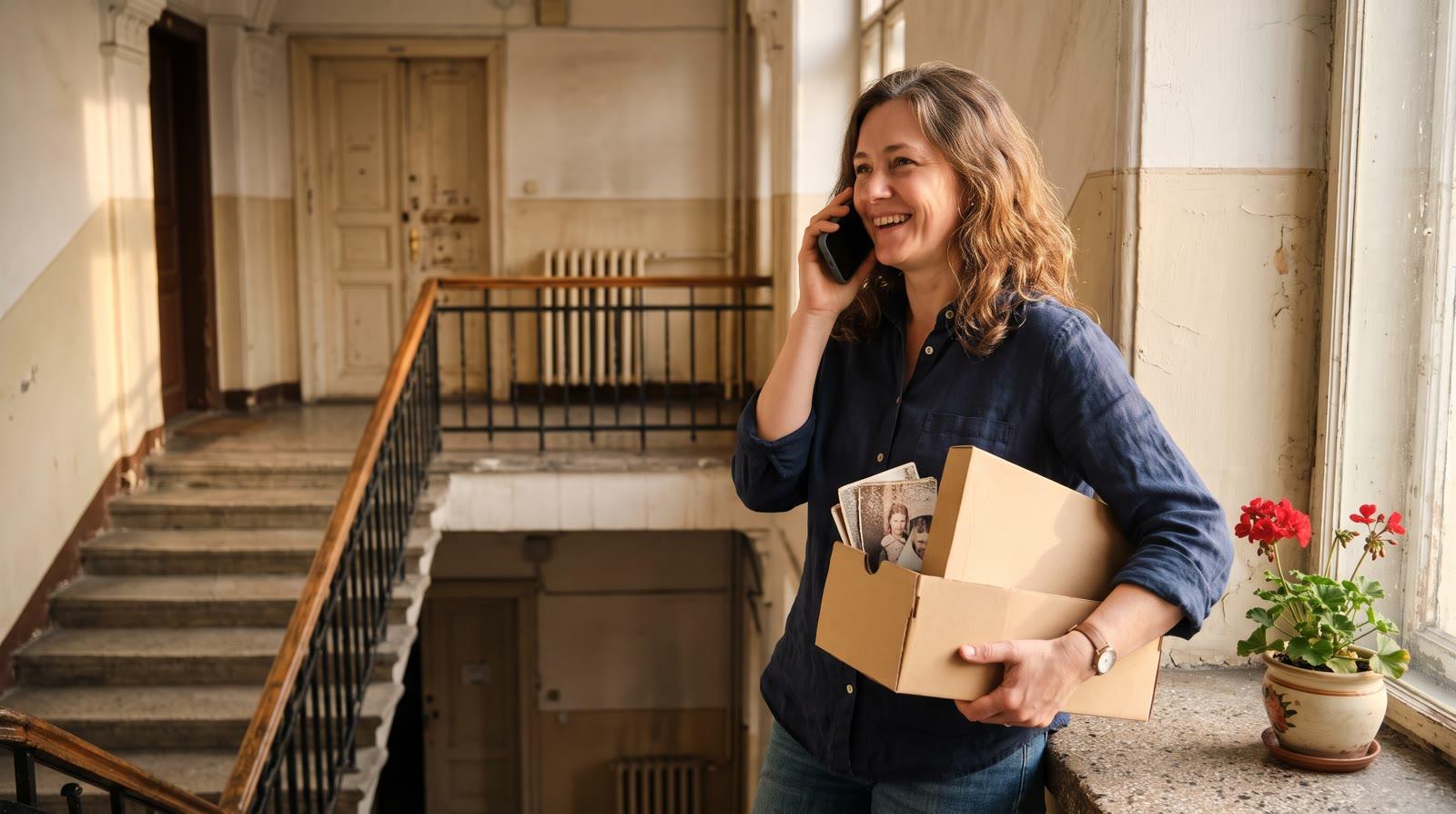
You can get help with a bar mitzvah video from an editing app, an editor or studio, a relative who edits, or a tool like Echoes with a real person on WhatsApp. Most videos stall on: missing years, scattered or blurry photos, no time, backwards Hebrew, the hall's screen or a long video. Each fix is below.
Where help with a bar mitzvah video can come from
Before the fixes, it helps to know the options, because the right kind of help depends on what is stuck.
- An editing app you run yourself. Apps such as CapCut, Canva or InShot let you build a slideshow or edit a video on your own. You get full control, and you also do all the editing, the timing and the text yourself. Features and prices change, so check each one before you start.
- A freelancer or a video studio. Marketplaces such as Fiverr, or a local editor who works with event halls, can take the whole job off your hands. It costs more, and it takes, depending on the editor, from a few business days to a few weeks, plus a brief and a round of edits.
- A relative who edits. Often the cheapest help, and the one most likely to fall through when life gets busy.
- A tool that does the hard parts. Echoes picks the AI models, writes the prompts, makes the animations and stitches them into one video, and a real person answers on WhatsApp when you get stuck.
The guide to DIY or hiring a pro compares these paths in depth. Whichever you choose, the problems below come up in almost every family.
1. Whole years have no photos
There is almost always a gap: the year a phone broke, the busy years with a new baby, the stretch when nobody printed anything. Before deciding the gap is real, ask the people who were around then. Grandparents often have prints from the early years, the parents of a childhood friend may have birthday party photos, and old phones, computer backups and cloud accounts hold more than people remember.
If a stretch stays thin, that's fine. A few clear photos from those years are enough, and a short label on an animation, such as "Age 8", tells guests where they are in the story.
2. The photos are spread across phones and albums
The photos live with five different people, half on phones and half in albums. The fix is one person in charge and one clear message:
- Send one line to the family group asking for two or three clear photos of the child from the years you're missing.
- Ask relatives to send photos as a file (a document), not as a regular photo, so WhatsApp doesn't shrink them.
- Photograph old prints with your phone in even daylight, held straight on. No scanner needed.
- If your own photos are in Google Photos, Echoes can import them directly.
Once they start arriving, how to choose photos for a video gift explains what to look for.
3. The old photos are blurry or tiny
What matters most is that the child's face is clearly visible. When a face is blurry or tiny in the frame, the AI has to fill in the details, and it stops looking like your child. So:
- Photograph the print again, close enough that it fills the phone screen, without glare from a lamp or a window.
- Prefer an ordinary photo with a clear face over a posed one where the child is small in the back.
- Skip the few that can't be saved. A missing photo is less noticeable than a face that doesn't look like them.
If the prints are old or fragile, the Library of Congress has a short guide on caring for and handling photographs worth reading before you take them out of the album.
4. The event is close and nothing is ready
Time is usually less of a problem than it feels. Once the photos are gathered, most people finish the whole video in under 30 minutes, and the animations are made in the background, so you can start them and come back later. The slow part is collecting the photos, so start there tonight. If time is really short, make a shorter video: the smallest package is 1 minute, which takes 13 photos in Growing style. For a one-evening plan, see a last-minute video gift.
5. The person making it dropped out
The cousin who edits, or the friend with the software, got busy, and the event hasn't moved. First, ask them to send back every photo they collected, so that work isn't lost. Then decide whether to do it yourself. It needs no editing skills: you upload the photos in order, review the animations, and choose the opening, the music and the ending. See how to make a video gift with no editing skills.
6. The Hebrew text comes out backwards
Many video apps assume text runs left to right, so a Hebrew title comes out with the words reversed, punctuation on the wrong side, or empty boxes instead of letters. In Echoes the text direction follows the first letter you type, there's a manual switch for right to left, and you check every line in the preview before compiling. Lines that mix Hebrew, English names and years are the ones to check twice. The full guide is how to add Hebrew text to a photo video without it coming out backwards.
7. The video doesn't fit the hall's screen
Hall screens are almost always wide, so a portrait video plays as a narrow strip with black on both sides. Choose landscape for a video that will be shown in a hall. In Echoes the shape is chosen when you upload the photos, with a suggestion based on them, and every animation is made in that shape, so decide before you start. Photos are never cropped to fit. A finished video can still be shown in another shape later, whole on a blurred background, but only animations made in landscape fill the hall's screen.
Then treat the screening as its own task: send the MP4 to the hall's technician a few days ahead, test the sound through the hall's speakers, and bring a copy that doesn't need the venue's Wi-Fi. There's a full checklist in how to show a video gift at an event, and portrait, landscape or square explains the choice when your photos come in mixed shapes.
8. The family can't agree on which photos go in
One grandmother wants her favorites, the other side wants theirs, and an older sibling wants the embarrassing ones. A few simple rules settle most of it:
- The child is the main subject of every photo in the growing part.
- Each side picks a few favorites, and one person decides the final order.
- Group photos get their own part. A Growing video works best with fewer than three people in each photo, so photos with the cousins, the class or the whole family go into a separate Classic part, introduced by a text slide.
- Recorded greetings go at the end. One or more short videos of your own can be the closing, up to 2 minutes in all, with their sound.
9. The video is running too long
A video shown in a hall works best at two to four minutes, while people are still seated and listening. In Growing style that's 25 photos for two minutes, 37 for three and 49 for four. Choose the length first, then pick the best few photos from each year to fit it. Packages are priced by the length of the finished video, so the same decision sets the price. Every length and its photo count is listed in how long a video gift should be.
Getting real help at Echoes
Some problems need a person, not an article. At Echoes, real people are on WhatsApp to help with anything, from choosing photos to finishing the video, and the contact form on the site is answered by email. One customer described what happened when she got stuck:
"Personally, I had a little trouble with a slightly outdated mobile phone and questions that arose along the way to producing the video and I received excellent service and support, which is not obvious at all. The response was immediate, respectful and most importantly clear and transparent to my complete satisfaction."
- Sivan Lamdan
When an animation doesn't come out the way you hoped, every package includes a bank of free retries sized to the package, to spend on whichever animations you choose. You can also swap a photo, which uses retries from the same bank, and re-compile the final video as many times as you like.
When hiring a professional still makes sense
A professional editor is still the right call in some cases: when you want someone else to handle every part of it, when the video should include voice narration or long home-video footage cut together, or when you want interviews with family members filmed and edited in. If you have the budget and a few weeks before the event, a good editor brings real craft to that kind of film. What editors and studios charge is covered in how much a bar or bat mitzvah growing-up video costs. For a growing-up video made from photos, with an opening, music and titles, most families can do it themselves in an evening.
The Growing style is our signature video: each photo naturally morphs into the next. For group photos, Classic style works best. The guide to making a Growing video and the bar and bat mitzvah video gift guide walk through the rest.
What makes Echoes different
Echoes turns photos from across the years into one continuous video of a life. Each photo flows into the next, so a baby grows into a bar mitzvah boy, or a couple ages together over decades, in a single unbroken shot. Echoes then finishes it as a gift, ready to play at the event.
- Growing videos. You add dozens of photos of the same person or couple, and Echoes morphs each one into the next. It isn't a slideshow or a set of separate animations: you watch someone grow up or grow old in one continuous video. It fits bar and bat mitzvahs, anniversaries, and family tributes.
- Automated, but guided. Echoes does the heavy lifting: it picks the AI models, writes the prompts, generates the animations, and stitches everything into one finished video. You still decide everything that matters. It walks you step by step through ordering your photos, reviewing each animation (with a full set of free retries), and choosing the opening, the ending, and the music. You get the result of a skilled AI video workflow without having to learn one.
- A finished gift, not a tool. The result is a complete video with titles, an ending, a soundtrack, and a share link. It's priced by the length of the finished video, not by credits or tokens: a one-time purchase, with a 30-day money-back guarantee.
Your first animation is free to try. The bar and bat mitzvah video gift page shows examples, how it works and pricing.

About the author
Sagie, founder of Echoes
Sagie is the founder of Echoes. He built it in 2025 after making an AI video gift from his mother's old childhood photos for her 72nd birthday, and has since helped hundreds of families turn their own photos into video gifts.
Frequently asked questions
- How much does a bar mitzvah video cost with Echoes?
- It's a one-time purchase, not a subscription. You choose a package by the length of the finished video, and the AI opening, music, title cards, a bank of free retries sized to the package and unlimited re-compiling are included, and there's a 30-day money-back guarantee.
- Can I change the music or the opening after the video is finished?
- Yes. You can change the music, the opening and the title cards and compile the final video again as many times as you like, at no extra cost. That helps when the family asks for one more change a few days before the event, because you can keep changing these after compiling.
- Can I also make a vertical version for Instagram or WhatsApp Status?
- Yes. The shape of a video (landscape, portrait or square) is chosen when you upload the photos, and every animation is made in that shape. For the hall, landscape is usually the right first choice. Once the video is made, pick portrait in Format & pacing and compile it again, at no extra cost: everything is shown whole in the middle on a soft blurred background, and nothing is made again.
- Are the photos private?
- Yes. Your photos are private to you, stored securely and never used to train AI models. They're only used to make your video, and you can delete your photos and videos at any time from your account dashboard.
- What do I get at the end?
- An MP4 file in your account dashboard, with a share link. You can download it to play on the hall's screen, send it in the family WhatsApp after the event, or load it onto a digital frame at home. It stays in your dashboard, ready to download again whenever you need it.