
Portrait, landscape, or square: which video format to pick
 By Sagie, founder of Echoes·Updated October 5, 2026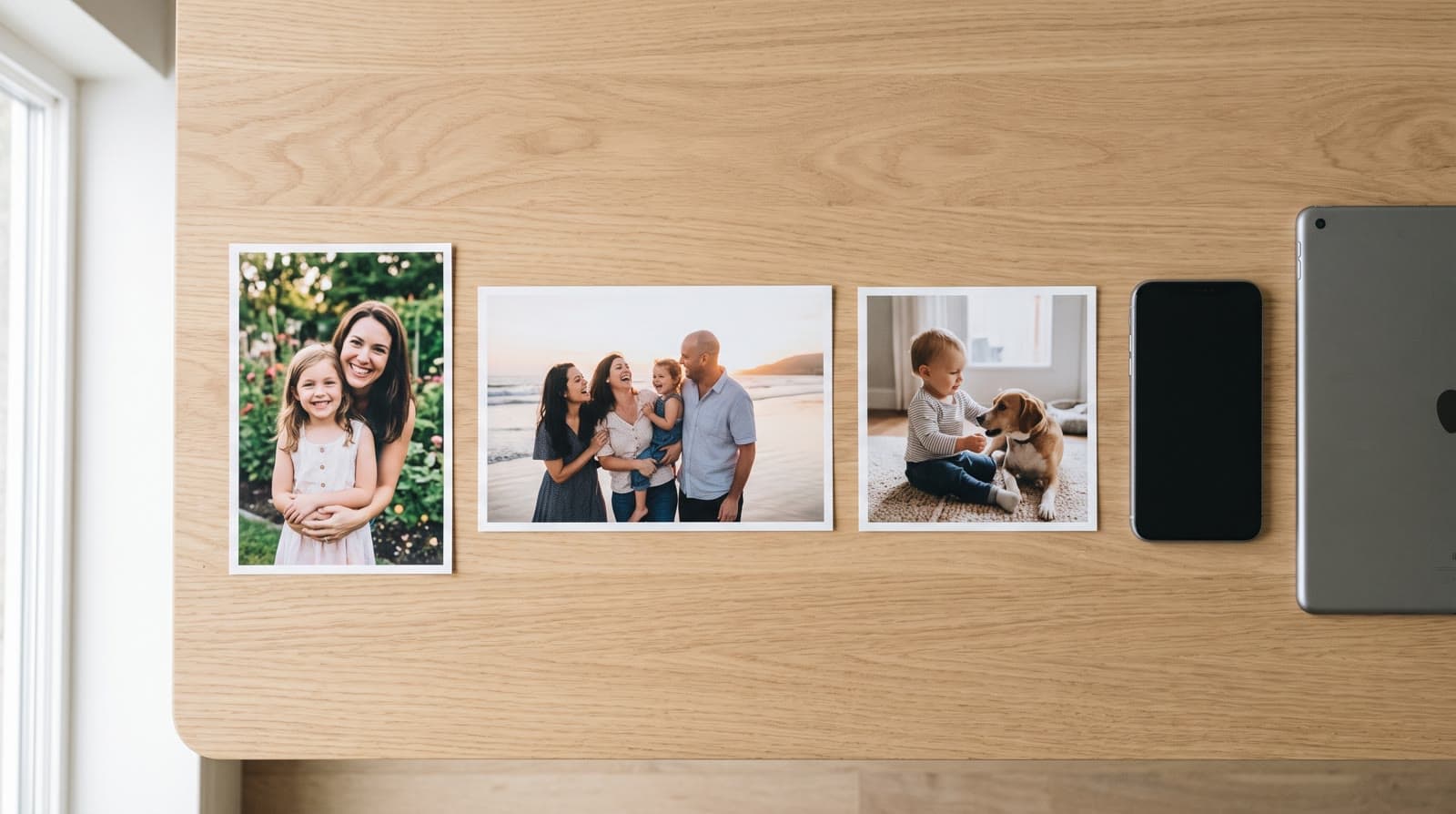
Choose the shape that fits most of your photos - they matter more than the format. Landscape is best for playing on a screen at an event, portrait is best for social media like Stories, Reels, and TikTok, and square is a good compromise for both or for a mixed set of photo shapes. With Echoes, the finished video follows the shape you choose.
Let your photos decide
Before you think about where you'll share the video, look at the photos you actually have. If most are horizontal, a landscape video will fit them without awkward cropping; if most are phone photos taken upright, portrait will. Forcing a mostly-vertical set into a landscape frame (or the reverse) just wastes space around the edges. The photos come first - the format follows.
Landscape - for the screen
Landscape (wide) is the format of screens: TVs, laptops, and projectors are all horizontal. If the video's main moment is being played in a room - a milestone birthday, an anniversary dinner, a bar or bat mitzvah - landscape fills the screen cleanly with no black bars on the sides. It's the "gather everyone around" format.
Portrait - for social media
Portrait (tall) is the format of phones. Instagram Stories and Reels, TikTok, and WhatsApp status are all vertical, and a portrait video fills the whole screen there instead of sitting in a small strip. If the video is mainly going to be shared and watched on phones, portrait is the natural pick.
Square - the flexible middle ground
Square is the versatile compromise. It looks right in social feeds and holds up fine on a screen, and - most usefully - it handles a mixed bag of portrait and landscape photos better than either extreme. If your photos are all different shapes, or the video needs to work both at an event and on social, square is the safe, no-regrets choice.
A quick way to decide
If you're stuck, answer one question - where will this mostly be watched?
- On a screen in a room (a party, a service, a dinner): landscape.
- On phones (Stories, Reels, TikTok, WhatsApp): portrait.
- Both, or you're not sure: square.
- My photos are all different shapes: square.
There's no wrong answer you can't undo - the shape is set when you compile, and you can re-compile in a different shape as many times as you like.
The photos matter more than the shape
It's easy to overthink the format and underthink the photos, but the photos are what people feel. A well-chosen set in a slightly-imperfect shape beats a perfectly-formatted video of so-so pictures every time.
"I've always been a nostalgic person. I love old photos, videos, and vacation albums."
- Sagie, founder of Echoes
So spend your effort there: gather a good spread across the years, and make sure the face is clearly visible in each one. For the full rundown, see how to choose photos for a video gift.
A note on old and mixed photos
Old prints are often the best photos you have, and they come in all shapes - so they're a common reason a set ends up mixed, which again points to square. You don't need a scanner to use them: photograph each one with your phone in even daylight, held straight on. For fragile or precious originals, the Library of Congress has a short guide to caring for and handling photographs.
How Echoes handles it
Echoes recommends a shape based on your photos and lets you set it when you finalize the video, and the finished MP4 follows that shape - so it looks right wherever you share it, whether that's a screen, a social feed, or a digital frame. Whichever style you use - the Growing style or Classic - the format question is the same: fit the majority of your photos, and lean on square when in doubt.

About the author
Sagie, founder of Echoes
Sagie is the founder of Echoes. He built it in 2025 after piecing together an AI video gift from his mother's old childhood photos for her 72nd birthday, and has since helped hundreds of families turn their own photos into video gifts.
Frequently asked questions
- Does Echoes choose the format for me?
- Echoes recommends a shape based on your photos' orientation, and you can choose it yourself in the finalize step. The finished video is then set to that shape.
- Can I change the format after I start?
- Yes. The format is set when you compile the final video, and you can re-compile as many times as you like - so you can try a shape and switch if it doesn't look right.
- Does the format matter more than the photos?
- No. The photos matter far more. Pick the shape that fits the majority of your photos and where you'll share the video, then put your energy into choosing good photos.
- What happens if my photos are all different shapes?
- Square handles a mixed set best. Whatever shape you pick, the video takes one shape, so photos that don't match it may sit with a little space around them rather than being cropped through a face - square keeps that to a minimum.
- What does it cost?
- It's a one-time purchase priced by the length of the finished video, not a subscription, with a 30-day money-back guarantee, and your first animation is free to try.
- Can I both post it and play it at an event?
- Yes. It's a single MP4 - you can post it on social and play the same file on a screen at an event. Square is the easiest shape to use both ways.