
Photo slideshow or animated video? How they differ and which to pick
 By Sagie, founder of Echoes·Updated October 5, 2026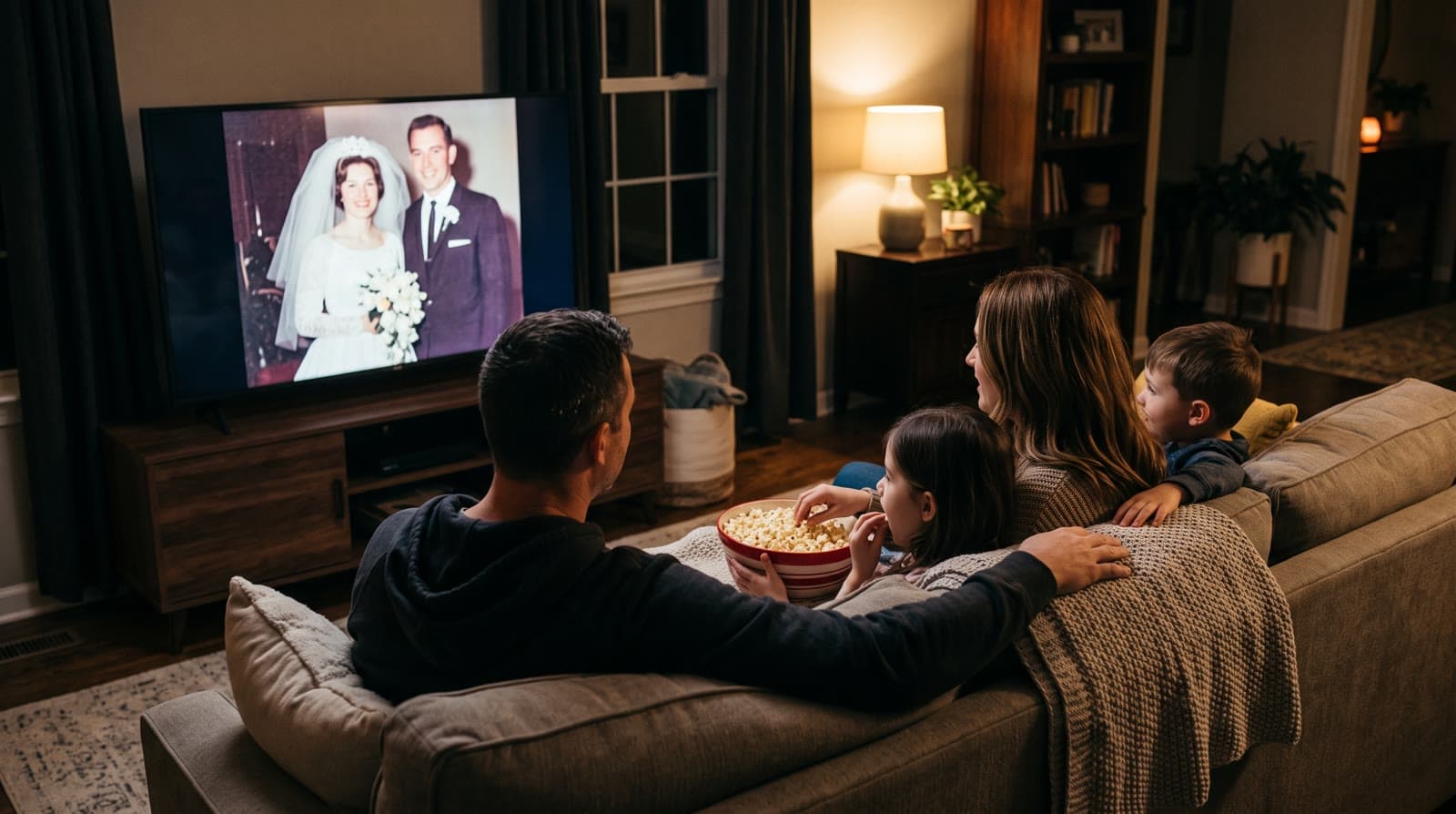
A photo slideshow shows your photos one after another, usually with a slow zoom and a fade between them. An animated video goes a step further: each photo gets real, natural motion, so the people in it seem to move. A slideshow is the right pick when you want to show a lot of photos quickly. An animated video is the better pick when you want a short, emotional gift that people remember - with Echoes, our signature Growing style morphs each photo into the next.
What a slideshow actually is
A slideshow is the traditional event video: photos placed on a timeline, each one on screen for a few seconds, with music underneath and a transition between them. Most slideshow tools add a slow pan or zoom to each still photo so it doesn't sit completely frozen. That move has a name: the Ken Burns effect, after the documentary filmmaker who used it so often.
It works. It's familiar, it's cheap or free, and you can fit a lot of photos into it. Its limit is that the photo itself never changes. The camera moves over the picture, but nobody in it smiles, turns, or breathes.
What an animated video is
In an animated video, the photo itself moves. A grandfather's smile widens, a baby reaches for the camera, hair shifts a little in the wind. The motion comes from AI animation, and when it's done well it's gentle and natural rather than cartoonish.
With Echoes there are two ways to animate a set of photos:
- Growing style is our signature video: each photo naturally morphs into the next, so the video becomes one continuous piece of someone growing up or changing over the years. Each consecutive pair of photos becomes one animation.
- Classic style brings each photo to life on its own, then compiles the animations into one video. It works best with group photos.
Either way, you get one finished video with music and title cards, not a folder of separate animations. For how the two styles move from one photo to the next, see how to make a video where one photo animates into the next.
How they compare
| Photo slideshow | Animated video | |
|---|---|---|
| What moves | The camera (pan and zoom) | The people and the scene in the photo |
| Effort | You arrange everything on a timeline | Upload photos, the tool does the animating |
| Photos per minute | As many as you like | About 12 per minute (roughly 5 seconds each) |
| Phone videos | Usually supported | Echoes works from photos only |
| Typical cost | Free tools, or a paid editor | Priced by the finished video's length |
| Best at | Showing everything | Making people stop and watch |
The row that surprises people is photos per minute. A slideshow can race through photos, because each one is just a still. An animation needs a few seconds to play out, so an animated video holds fewer photos per minute. With Echoes, the smallest package is a 1-minute video, which takes 12 photos in Classic style or 13 in Growing style, and each extra minute takes 12 more.
When a slideshow is the better choice
- You have hundreds of photos and want to show all of them. A slideshow is built for volume.
- You want to mix in phone videos, like a first step or a school performance.
- Your budget is zero and you have an evening to spend on a free editor.
- The photos are mostly scenery, documents, or screenshots, where there are no people for the motion to bring to life.
When an animated video is the better choice
- It's a gift, not an archive. A shorter video where each photo feels alive usually lands harder than a long run of stills.
- The photos are old. Old prints are where animation surprises people most: seeing a grandparent move who they only knew from a still photo.
- You don't want to edit. There's no timeline to build. You upload the photos, pick the finishing touches, and the video is compiled for you.
- You want to show someone growing up. That's what the Growing style is for: the photos blend into one continuous video from the earliest years to today, which a slideshow can't do.
I learned this the hard way. When I made my mother a video gift from her old childhood photos for her 72nd birthday, getting the animation right took real work:
"I tested multiple models, tweaked a lot of prompts, and after plenty of trial and error, I managed to create a full video gift of her memories coming to life."
- Sagie, founder of Echoes
That trial and error is exactly what an animated video used to cost you. Now it's a few clicks.
You can have both
It doesn't have to be one or the other. One setup that works well at a bar or bat mitzvah or a big birthday: a short animated video plays at the emotional moment of the evening, and a longer slideshow of every photo runs in the background during dinner or goes into the family's shared folder. The animated video is the moment people remember, and the slideshow is where every photo gets its turn.
Choosing photos for the animated part
The photo choice matters more than anything else:
- The face must be clearly visible. If a face is turned away, tiny, or hidden, the AI has to fill in the details, and it stops looking like the person. Skip those.
- Ordinary photos are fine. Candid shots often animate better than stiff posed ones.
- For Growing, keep the same main person in every photo, with fewer than three people in each photo.
- Old prints don't need a scanner. Photograph them with your phone in even daylight, straight on, avoiding reflections.
There's more on this in how to choose photos for a video gift, and if your photos are old prints, in how to make a video from old photos.
Finishing and cost
Every Echoes video includes a personal AI opening with your own text (in a style like Album of Memories, Window of Time, or Door of Light), music (your own song, the built-in library, or a custom song generated for you), and a closing title card. You can re-compile the final video as many times as you like.
It's a one-time purchase priced by the length of the finished video, not a subscription, with a 30-day money-back guarantee, and every package comes with a full set of free retries (one for every animation). If a real person's help would make it easier, there's someone on WhatsApp.
Start with the Growing style, our signature video, where each photo naturally morphs into the next. For group photos, the Classic style works best.

About the author
Sagie, founder of Echoes
Sagie is the founder of Echoes. He built it in 2025 after piecing together an AI video gift from his mother's old childhood photos for her 72nd birthday, and has since helped hundreds of families turn their own photos into video gifts.
Frequently asked questions
- Can I change the order of the photos after the video is made?
- Yes. You can rearrange the photos, swap the music or title cards, and re-compile the final video as many times as you like, at no extra cost. So you don't need to get the order perfect on the first try.
- Can I add captions or a voice-over?
- The video starts with a personal opening with your own text, like a name and a date, and can end on a closing title card with a short dedication. Captions and voice narration during the video aren't supported yet.
- What if one animation comes out wrong?
- Every package comes with a full set of free retries (one for every animation), and you can also swap the photo for a different one. You can then re-compile the final video as many times as you like at no extra cost.
- Can I use the same photos for both a slideshow and an animated video?
- Yes. Nothing stops you from making both. Some families play the animated video at the event and keep a longer slideshow of every photo for the family album or a shared folder.
- What file do I get, and where can I play it?
- You get an MP4 file. It plays on the screen at a hall, on a TV, in WhatsApp or on social media, and you can load it onto a digital frame at home.
- Are my photos private?
- Yes. Your photos are private to you, stored securely, never used to train AI models, and you can delete them from your dashboard at any time.