
A 50th anniversary video for your parents, from their wedding day to today
 By Sagie, founder of Echoes·Updated November 23, 2026
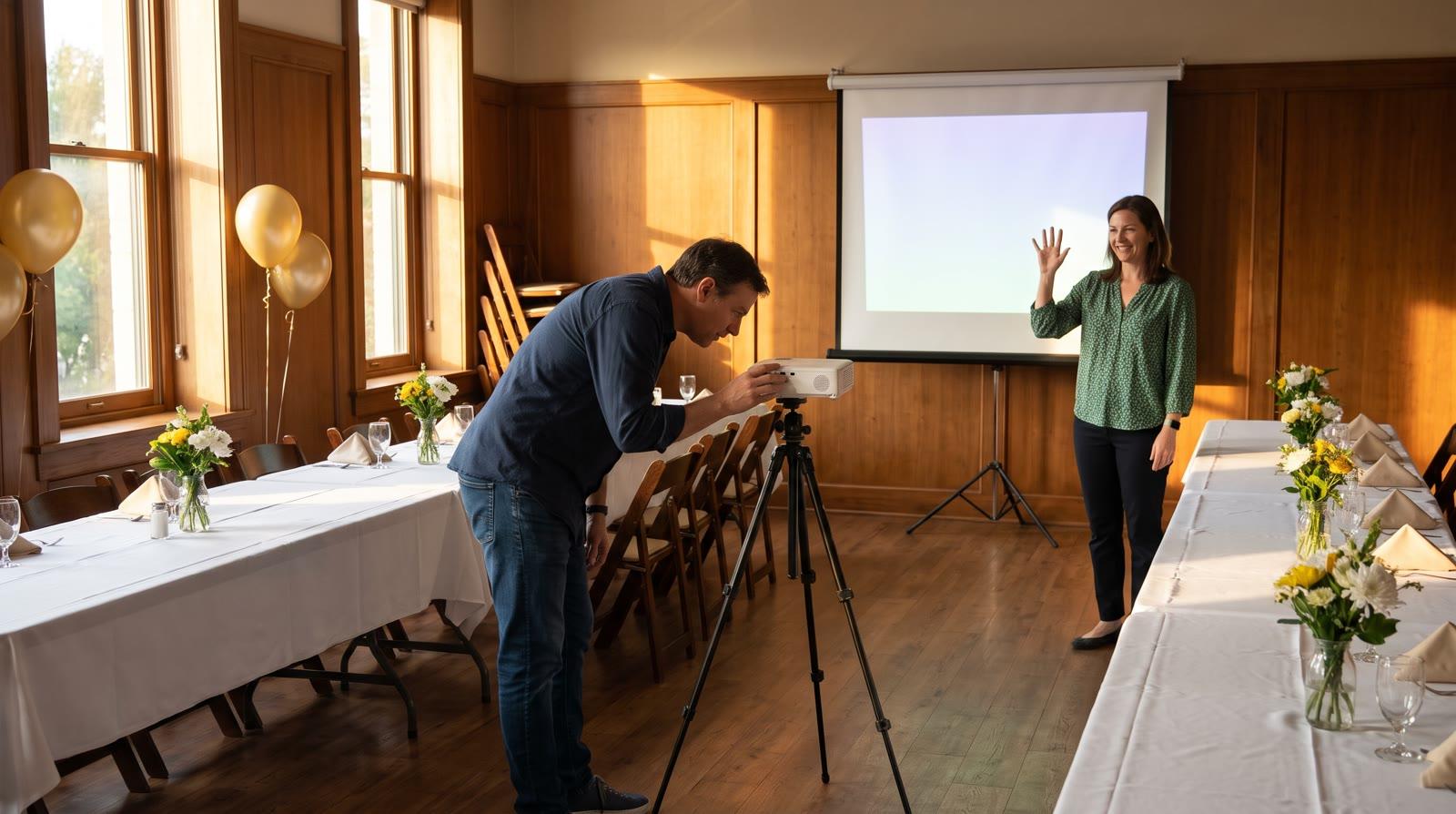
To make a 50th anniversary slideshow or video for your parents, collect photos of them from their wedding day to today, from your siblings and their own albums. Upload them in order, and each photo morphs into the next in one continuous video. Add their wedding song and an opening, and play it in landscape on the projector.
A video from the children
When a couple reaches 25 or 50 years, the party is usually planned by the children. Someone books the room, someone handles the cake, and someone ends up in charge of "the slideshow". This guide is for that person. It covers the parts that are specific to a video made by the children for their parents: getting photos from everyone without the parents finding out, telling five decades in a few minutes, bringing in the grandchildren, and playing it on a projector at the party.
If you're making an anniversary video for your own marriage, the guide to an anniversary video gift from your photos is the better fit.
Can AI make an age morphing video of your parents?
Yes. Instead of a slideshow, where one photo cuts or fades to the next, the photos can morph into each other: the bride and groom on their wedding day slowly become the young parents, then the couple at a family wedding, then the two of them today. At Echoes this is called a Growing video, and it's our signature style.
Parents make a good subject for it. A Growing video works best when the same main people are in every photo and there are fewer than three people in each one, and a couple photo fits that exactly. The prompt for each animation is tailored to your photos, so there's nothing to write. For the full walk-through of the steps, see how to make a Growing video from your photos.
The one thing that matters most is the faces. Pick photos where both of them are clearly visible. When a face is small, turned away or hidden, the AI has to fill in the details, and it stops looking like them.
Collecting photos without spoiling the surprise
The best photos are spread out across the family. The wedding album is on your parents' shelf, the photos from the 1980s are in a shoebox at an aunt's house, and the last twenty years are on everyone's phones. A few things help:
- Pick one person to collect everything. Ask each sibling to send their photos to that person, as the original photo rather than a screenshot.
- Ask the people who were there early. Aunts, uncles and old friends of your parents often have the photos from before you were born, and they're usually happy to keep a secret.
- Borrow the albums quietly. Photograph the prints with your phone in even daylight, straight on, and put the albums back where they were.
- Keep the collection somewhere safe. By the end you'll have the family's photos in one place for the first time. The Library of Congress recommends keeping at least two copies of your digital photos, stored in different places, so give a copy to a sibling too.
How many photos for 50 years
More photos make a fuller video. The smallest package is a 1-minute video, which takes 13 photos in a Growing video, and each extra minute takes 12 more. A 3-minute video takes 37 photos and a 4-minute video takes 49, which is still less than one photo a year for a golden anniversary. So gather generously: a few from each decade at least, and more from the years you have the most of.
For a party, two to four minutes is a comfortable length on a big screen. The guide on how long a video gift should be has the photo counts for every length.
For a 25th anniversary the job is the same, just with fewer prints and many more phone photos. The early years may still be in an album, while the last fifteen are scattered across your parents' phones and yours.
Putting the years in order
A Growing video plays in the order you upload the photos, so the order is the story. For parents, a simple line works:
- The wedding day, or a photo from when they were dating, if you have one.
- The young family years: the first home, holidays, the two of them with a baby.
- The middle decades: trips, family weddings, ordinary weekends.
- Today: end on a recent photo of the two of them, so the video ends with them as they are today.
To mark the decades, add a short caption on an animation, such as a year or a place. Keep it to a few words, so it reads from the back of the room on a projector.
Where the grandchildren fit
The grandchildren belong in the video too. The big family photos, with all the grandchildren around your parents, are best kept for their own part. There are two ways to include them:
- A Classic part for the big family photos. For group photos, Classic style works best: each photo is animated on its own. A video can hold both parts, the Growing part of your parents through the years and a Classic part with the whole family, and a full-screen text slide can introduce each part.
- A short video of their own as the closing. A phone video of the grandchildren wishing their grandparents a happy anniversary can be the closing of the video, up to 2 minutes long, and it keeps its sound.
The song and the opening
Music carries a video like this. Two choices work especially well for parents:
- Their wedding song. Upload it, and if it's shorter than the video, it loops; if it's longer, it fades out when the video ends. A soundtrack can hold up to five songs, one after another.
- A song written for them, with their names and how they met in the lyrics. The guide to a personal song for a video gift explains how to make one.
The video opens with a personal AI opening with your own text, in styles such as Album of Memories, Window of Time, Door of Light or Floating Lanterns. Keep the words short: their names and "50 years" is enough. The closing title card is a good place for one line from all the children.
Playing it at the party
A projector screen is wide, so choose landscape. The shape is chosen when you upload the photos, so decide before you start.
Then treat the screening like any other part of the evening. Download the MP4 instead of relying on the venue's Wi-Fi, keep a second copy on a USB stick, test it on the actual projector with the sound turned up, and agree in advance who presses play. The guide on how to show a video gift at an event has the full checklist.
One customer made a video like this for his parents' 40th anniversary:
"I just finished creating my first video as a gift for my parents' 40th anniversary-and it worked amazingly well. It took me about an hour to make a two-minute video that completely blew everyone away."
- Noam Shalev
What makes Echoes different
Echoes turns photos from across the years into one continuous video of a life. Each photo flows into the next, so a baby grows into a bar mitzvah boy, or a couple ages together over decades, in a single unbroken shot. Echoes then finishes it as a gift, ready to play at the event.
- Growing videos. You add dozens of photos of the same person or couple, and Echoes morphs each one into the next. It isn't a slideshow or a set of separate animations: you watch someone grow up or grow old in one continuous video. It fits bar and bat mitzvahs, anniversaries, and family tributes.
- Automated, but guided. Echoes does the heavy lifting: it picks the AI models, writes the prompts, generates the animations, and stitches everything into one finished video. You still decide everything that matters. It walks you step by step through ordering your photos, reviewing each animation (with a full set of free retries), and choosing the opening, the ending, and the music. You get the result of a skilled AI video workflow without having to learn one.
- A finished gift, not a tool. The result is a complete video with titles, an ending, a soundtrack, and a share link. It's priced by the length of the finished video, not by credits or tokens: a one-time purchase, with a 30-day money-back guarantee.
The anniversary video gift page shows examples and pricing. Your first animation is free to try.

About the author
Sagie, founder of Echoes
Sagie is the founder of Echoes. He built it in 2025 after piecing together an AI video gift from his mother's old childhood photos for her 72nd birthday, and has since helped hundreds of families turn their own photos into video gifts.
Frequently asked questions
- What does it cost?
- It's a one-time purchase, not a subscription. You choose a package by the length of the finished video, and it covers the animations for a video that long. The AI opening, music, title cards, a bank of free retries sized to the package and re-compiling the final video as many times as you like are all included, with a 30-day money-back guarantee.
- Can my brothers and sisters watch it before the party?
- Yes. The finished video comes with a share link, so you can send it to your siblings to watch on their phones before the big day. If someone wants a different song or a change to the opening text, change it and compile the video again at no extra cost, then send the new link. Moving a photo to another spot remakes the animations next to it, which uses retries from your bank.
- Can I also make a portrait version for the family group chat?
- Yes. The shape is chosen when you upload the photos and every animation is made in it, so choose landscape for the projector. Once the video is made, open Format & pacing in the finalize step, pick portrait and compile it again: everything is shown whole in the middle on a soft blurred background, nothing is cut and no animation is made again, at no extra cost. For portrait animations that fill the whole phone screen, you would need a new project made from the photos again, using animations from a package just like the first.
- How long does it take to make?
- Most people finish the video itself in under 30 minutes, and the animations are made in the background, so you can close the tab while they're created. Collecting photos from the family takes longer. Starting two or three weeks before the party leaves time for that, and for a test on the projector.
- What if one of the animations doesn't come out right?
- Every package includes a bank of free retries sized to the package, to spend on any animation you're not happy with. On a retry you can also pick a specific animation yourself. Swapping a photo for a clearer one uses retries from the same bank, and in a Growing video a photo in the middle uses two, since it's shared by two animations.
- Are my parents' photos private?
- Yes. The photos are private to you, stored securely, and never used to train AI models. They're only used to make your video, and you can delete your photos and videos from your account dashboard at any time. The finished video is yours to download and keep.