
A birthday video for your child, made from their photos
 By Sagie, founder of Echoes·Updated October 5, 2026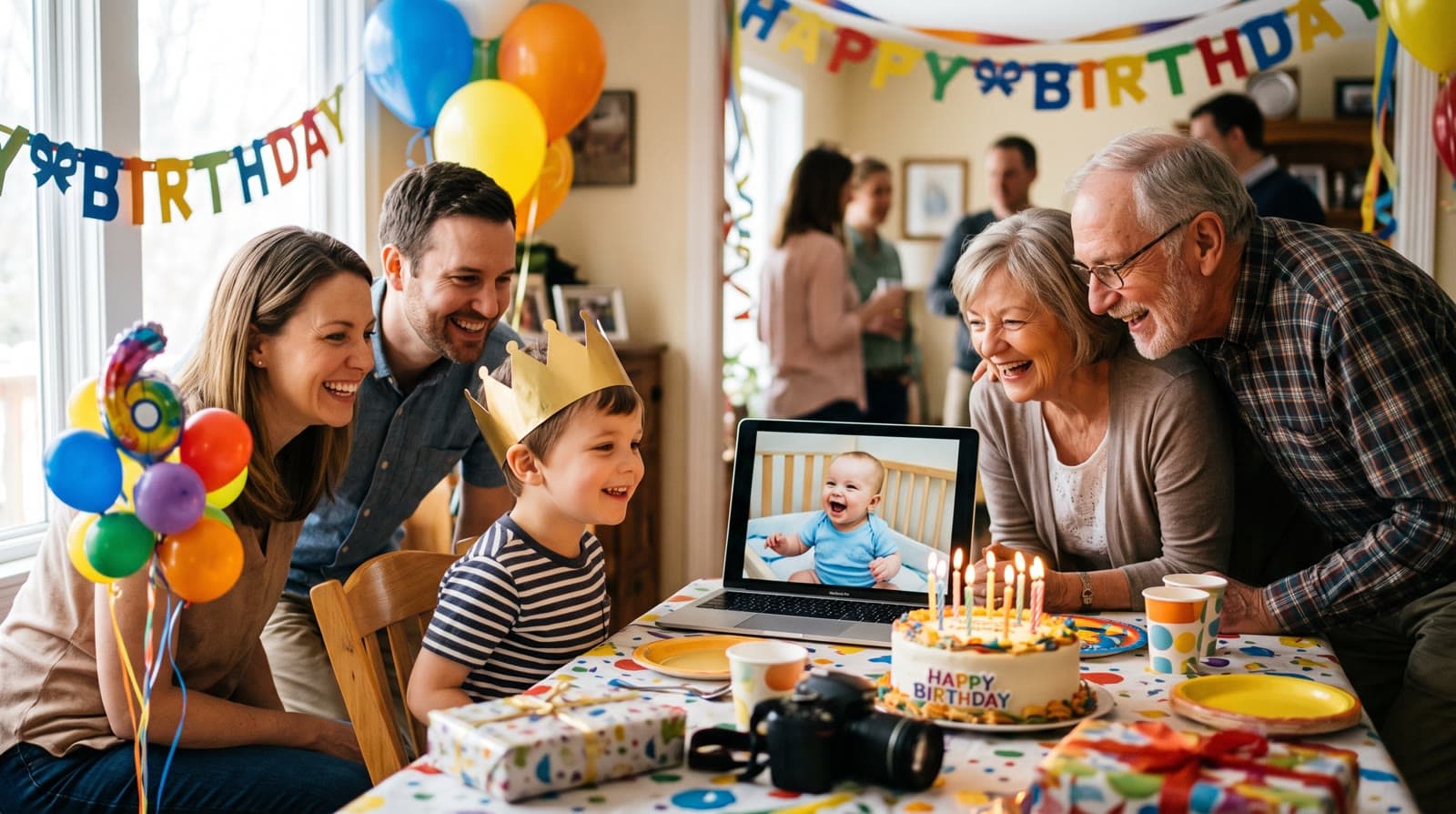
A birthday video for your child takes their photos, from this past year or from every year so far, and turns them into a short video with music and a personal opening. With Echoes' signature Growing style, each photo naturally morphs into the next, so you watch them grow. You upload the photos; there's no editing on your part.
Two kinds of birthday video
There are two natural versions, and the right one depends on the birthday:
- Their year in photos. For most birthdays, the year that just passed is the story: the first day of school, a holiday, the new bike, a lost tooth. Kids change a lot in a year, so the Growing style works well here: each photo blends into the next, and you watch the year go by.
- From newborn to today. For a first birthday, a fifth, a tenth, or any year that feels like a turning point, show the whole journey. Growing style blends each photo into the next, so the newborn becomes the toddler becomes the kid at the party. Each consecutive pair of photos becomes one animation.
For both, Growing is our signature style: each photo naturally morphs into the next. For group photos, Classic style works best.
Choosing the photos
Your phone is full of photos of your child, so the hard part is choosing, not finding. A few pointers:
- Scroll back month by month and pick a few from each. A spread over time makes the video feel like a story instead of one afternoon.
- The face must be clearly visible. Kids rarely sit still, and the action shots are often the blurry ones. If a face is turned away, blurred, or tiny in the frame, the AI has to fill in the details and it stops looking like your child. Skip those, however cute.
- For Growing, keep your child as the clear subject in every photo, with fewer than three people in each one. For big party group shots, Classic style works best.
- Ordinary moments count. A Tuesday breakfast often animates better than a posed portrait.
How many? The smallest package is a 1-minute video, which takes 12 photos in Classic style or 13 in Growing style, and each extra minute takes 12 more. For a year in photos, a minute or two is usually right. For newborn-to-today, gather as many good photos as you can.
There's more on this in how to choose photos for a video gift.
Finishing it
Three things turn the photos into a birthday video:
- A personal opening with your own text, like their name and the age they're turning, in a style such as Album of Memories, Window of Time, or Door of Light.
- Music. Their favorite song, a track from the built-in library, or a custom song generated for the video.
- A closing title card with a short line for them at the end.
Each step is a few clicks, and the animating runs in the background, so you can start it during nap time and come back when it's ready. Most people finish in under 30 minutes. Every package comes with a full set of free retries, one for every animation in it, and you can re-compile the final video as many times as you like.
When to show it
- At the party, on a TV or a laptop, right before the cake. Little kids love seeing themselves on screen.
- At breakfast on the birthday morning, just the family.
- For the grandparents, sent on WhatsApp or loaded onto a digital frame.
Because the video's shape follows your photos, a set of phone photos taken upright gives you an upright video that plays well on a phone. If you plan to show it on a TV, there's a guide to choosing portrait, landscape, or square.
A video a year
You could make one every birthday. Each video is its own project, so the collection grows with your child, and by the time they're older you have a small library of who they were at three, at six, at nine. When the bar or bat mitzvah or a big birthday comes, the photos you picked each year are already chosen. See the bar or bat mitzvah video gift for that bigger version.
One practical note while you're going through all those photos: keep more than one copy of them. The Library of Congress recommends keeping at least two copies of your digital photos, stored in different places, and checking them once a year.
The children's side of Echoes came later, and it changed what Echoes is:
"The pivot to Growing videos of children was a big evolution for Echoes: emotional tributes to the most valuable people in our lives - our children."
- Sagie, founder of Echoes
It's a one-time purchase priced by the length of the finished video, not a subscription, with a 30-day money-back guarantee.

About the author
Sagie, founder of Echoes
Sagie is the founder of Echoes. He built it in 2025 after piecing together an AI video gift from his mother's old childhood photos for her 72nd birthday, and has since helped hundreds of families turn their own photos into video gifts.
Frequently asked questions
- Can I make a new video every year?
- Yes. You can create as many separate projects as you like from one account, so each birthday can get its own video. Over the years that becomes a small collection the family can watch back.
- My child is only turning one. Is it too early?
- Not at all. A first-year video works well in Growing style, because babies change so much month to month. Pick photos across the twelve months where the face is clear.
- Can the grandparents get a copy?
- Yes. The finished video is an MP4, so you can send it on WhatsApp, share it by email, or load it onto a digital frame for the grandparents' living room.
- Can I add their name and age?
- Yes. The video opens with a personal AI opening with your own text, like their name and the age they're turning, and you can end it on a closing title card with a short line for them.
- What if most of my photos are videos, not stills?
- Echoes works from photos. If your best moments are in phone videos, you can take a screenshot of a frame where the face is clear and upload that like any other photo.
- Are photos of my kids kept private?
- Yes. Your photos are private to you, stored securely, never used to train AI models, and you can delete them from your dashboard at any time.