
The best AI growing-up video makers in 2026, compared
 By Sagie, founder of Echoes·Updated October 18, 2026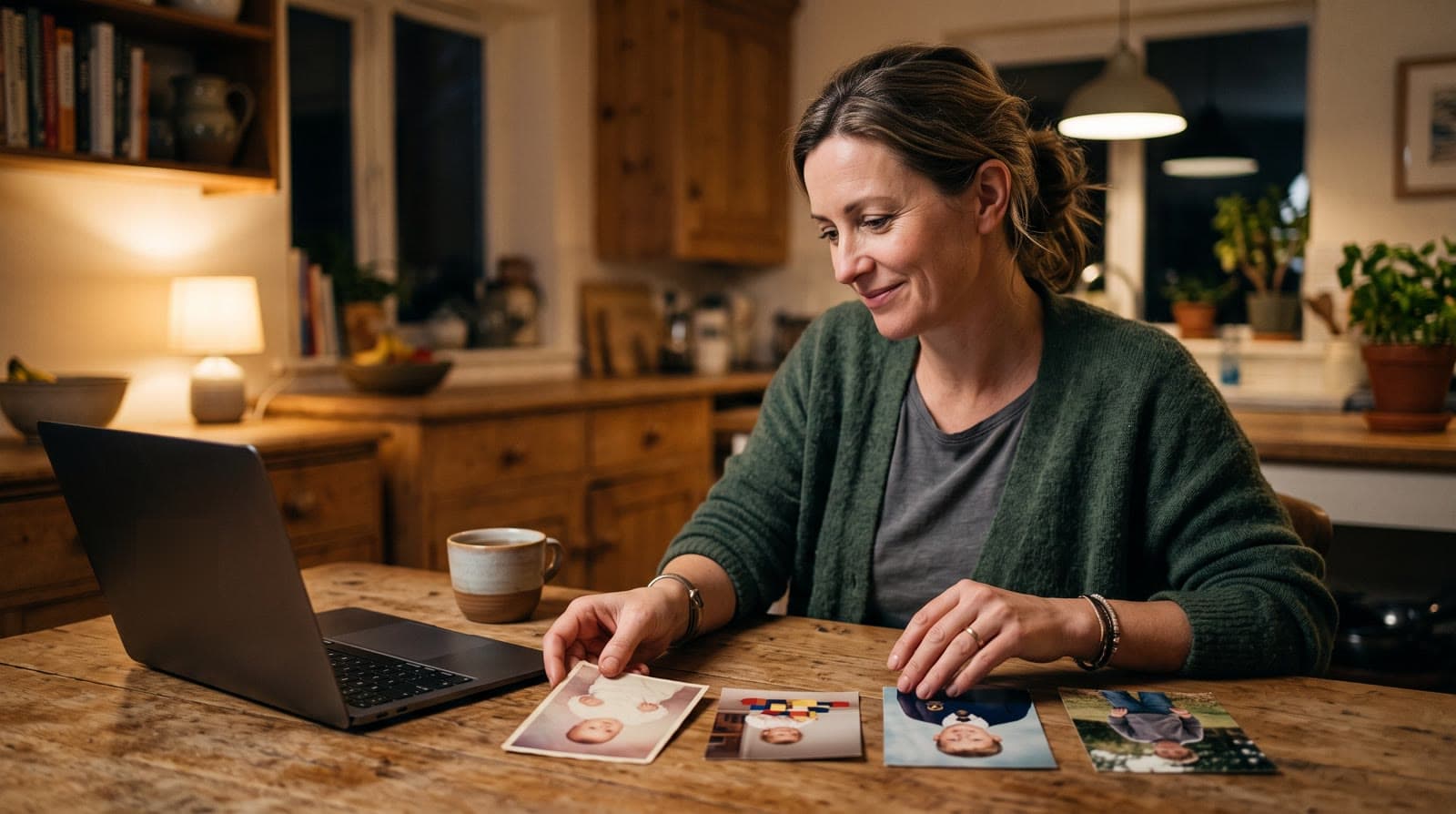
The main AI tools for a growing-up video in 2026 are Echoes, Clipfly, DreamFace, Dreamina, and Media.io. Several of them work on up to five photos, or one pair of photos, per run. Echoes covers the whole story: upload dozens of photos in age order, and it morphs each one into the next and finishes one video with an opening, titles, and music.
What a growing-up video maker actually does
"Growing-up video" means three different things online, and it helps to know which one a tool makes before you spend anything on it.
- A morph between real photos. You bring photos of the same person at different ages, and AI generates the motion that carries each face into the next. Every photo the video starts from and lands on is a real one. This is what most people want for a bar mitzvah, a graduation, or a parent's 70th.
- AI age progression. You upload one photo, and the tool imagines how that face might look older or younger. The faces are generated, not remembered. There's more on that difference in AI age progression or a Growing video.
- A slideshow. Photos in order with crossfades and music. Simple and fine, but nothing moves inside the photos.
This comparison is about the first kind. If you came here from an older photo-animation app, see also what replaced Deep Nostalgia.
What to look for
- How many photos one video can hold. A childhood doesn't fit in three photos. Some tools work on one pair at a time, so a video of twenty photos means nineteen separate jobs.
- How much of the work is yours. Writing prompts, uploading each pair, downloading each result, and stitching them together in an editor adds up to an evening, or a weekend.
- Whether you end up with a finished video. An opening, titles, an ending, and music are what turn a set of transitions into something you can play at an event.
- How it's priced. Many AI video tools sell credits through a weekly, monthly, or yearly subscription. Work out what one finished video really costs you, and whether you can redo a transition that didn't come out right.
- What happens to your photos. These are family photos, often of children. Read the privacy terms before you upload.
Echoes: one continuous video from all your photos
Echoes turns photos of someone across the years into a finished Growing video you can give. In the Growing style, our signature video, each photo naturally morphs into the next. Each consecutive pair of photos becomes one animation, so 13 photos make 12 animations, joined into one continuous video.
You don't write prompts or pick AI models. Echoes tailors the prompt for each animation to your photos, and if you retry one, you can pick a specific animation yourself. Then Echoes finishes the video with a personal AI opening with your own text, music (your own song, a built-in library, or a custom song generated for you), and title cards. Most people finish in under 30 minutes.
One person who made a video with Echoes put it this way:
"Instead of using several different AI tools, paying for multiple subscriptions, and learning how to use each one separately, I had a true one-stop shop."
- Noa
The honest tradeoff: Echoes isn't an editor, so you won't get a timeline to fine-tune frame by frame. And if your photos show different people from one photo to the next, the Classic style works best, animating each photo on its own.
The other tools, briefly
We checked each of these on the tool's own website in October 2026. AI video tools change their models and prices often, so check again before you buy. For tribute video tools more broadly, see the best tribute video makers.
- Clipfly has an AI age-progression template. You upload 3 to 5 photos of one person in order, starting from the earliest, and it blends the faces into one morph video. There's no prompt to write. You can add text and music afterwards in Clipfly's editor. It runs on credits, sold as monthly or yearly plans or as one-time credit packs, with a few free credits from daily check-ins.
- DreamFace has an AI Grow Up Video Generator: you upload photos of one person at different ages and click Create, and it connects them into one video. The page doesn't say how many photos it takes. The free tier is standard definition with a watermark; paid plans are weekly, yearly, or multi-year subscriptions that renew automatically.
- Dreamina (from CapCut): we didn't find a dedicated growing-up tool. Its first-and-last-frame mode makes one transition per run: you upload two photos, write a prompt describing the motion, and generate. A whole childhood means many runs, and then joining the results. There are free daily credits, and paid plans are subscriptions. CapCut also has user-made templates such as "Growing Up AI", an 11-second vertical (9:16) template.
- Media.io has an AI Grow Up tool built on its image-to-video generator. You upload one photo (or two, with an optional end frame), keep or edit the sample prompt, and get a video a few seconds long. The free plan exports at 720p with a watermark; paid options are subscriptions or pay-as-you-go credits.
| Tool | What one run makes | Photos per run | Prompt | Pricing model |
|---|---|---|---|---|
| Echoes | A finished video with opening, titles, and music | As many as you like | None | One-time, by video length |
| Clipfly | One morph video | 3 to 5 | None | Credits: plans or packs |
| DreamFace | One grow-up video | Not stated | None mentioned | Weekly, yearly, or multi-year subscription |
| Dreamina | One transition | 2 | You write it | Credits: subscription |
| Media.io | One short video | 1 or 2 | Sample, editable | Credits: subscription or pay-as-you-go |
The short version: if you want a quick morph of three or four photos to post, a template like Clipfly's may be all you need. If you're comfortable with prompts and an editor, Dreamina lets you steer each transition with a prompt, one pair at a time. If you want a whole childhood or a whole life in one finished video, without assembling it yourself, that's what Echoes is for.
How to make a growing-up video with Echoes
- Gather photos across the years, earliest first. Scroll back on your phone and pick a few from each year. The smallest package is a 1-minute video, which takes 13 photos in Growing style, and each extra minute takes 12 more, so gather more than you think you need.
- Upload them in age order. Old prints work too: photograph each one with your phone in even daylight, held straight on. For fragile originals, the Library of Congress has a short guide to caring for and handling photographs.
- Review each animation. If one blend doesn't look right, retry it, pick a specific animation, or swap the photo.
- Finish it with an opening, music, and a closing title card.
- Download the MP4 to play at the event, share, or keep.
For the full walkthrough, see how to make a Growing video.
Choosing photos that blend well
Two things matter more than photo quality. First, the face has to be clearly visible. If a face is turned away, tiny, or hidden, the AI fills in the details, and the result stops looking like the person. Second, keep the same person as the main subject in every photo, with fewer than three people in each one. Ordinary snapshots often work better than posed ones, and faded prints are fine as long as you can see the face. More tips are in how to choose photos for a video gift.
Your photos stay private
With photos of children, this matters. In Echoes your photos are private to you, stored securely, never used to train AI models, and only used to make your video. You can delete everything from your dashboard whenever you want. If you get stuck, a real person, not a chatbot, is on WhatsApp to help.
What makes Echoes different
Echoes turns photos from across the years into one continuous video of a life. Each photo flows into the next, so a baby grows into a bar mitzvah boy, or a couple ages together over decades, in a single unbroken shot. Echoes then finishes it as a gift, ready to play at the event.
- Growing videos. You add dozens of photos of the same person or couple, and Echoes morphs each one into the next. It isn't a slideshow or a set of separate animations: you watch someone grow up or grow old in one continuous video. It fits bar and bat mitzvahs, anniversaries, and family tributes.
- Automated, but guided. Echoes does the heavy lifting: it picks the AI models, writes the prompts, generates the animations, and stitches everything into one finished video. You still decide everything that matters. It walks you step by step through ordering your photos, reviewing each animation (with a full set of free retries), and choosing the opening, the ending, and the music. You get the result of a skilled AI video workflow without having to learn one.
- A finished gift, not a tool. The result is a complete video with titles, an ending, a soundtrack, and a share link. It's priced by the length of the finished video, not by credits or tokens: a one-time purchase, with a 30-day money-back guarantee.
Your first animation is free to try. Create your video with Echoes.

About the author
Sagie, founder of Echoes
Sagie is the founder of Echoes. He built it in 2025 after piecing together an AI video gift from his mother's old childhood photos for her 72nd birthday, and has since helped hundreds of families turn their own photos into video gifts.
Frequently asked questions
- Is there a free AI growing-up video maker?
- Several tools have a free tier or free credits, with limits. When we checked, DreamFace's and Media.io's free plans were listed with a watermark, and Media.io's free exports were 720p. With Echoes, your first animation is free to try, so you can see one of your own photos blend into the next before you pay anything.
- Does it work for a couple or a grandparent, not just a child?
- Yes. A Growing video works for anyone you can follow through the years: a child growing up, a couple over decades together, or a parent or grandparent from childhood to today. What matters is that the same person or couple is the main subject in each photo, with the face clearly visible.
- How long does it take?
- Most people finish their whole video in under 30 minutes. Each photo is animated in the background, so you can leave the tab and we'll notify you when it's ready. Gathering the photos usually takes longer than making the video.
- Is a subscription better than a one-time purchase for this?
- A subscription makes sense if you make AI videos every month. For one gift, like a bar mitzvah or a parent's birthday, you may end up paying for months you don't use. Echoes is a one-time purchase priced by the length of the finished video, with a 30-day money-back guarantee.
- Can I play the video at an event?
- Yes. Echoes gives you an MP4 you can play on a screen at the event, send in a family WhatsApp group, or load onto a digital frame at home. The video's shape follows your photos, so it looks right wherever you show it.
- Can I change the music or titles after the video is done?
- Yes. You can change the opening, the music, or the titles and remake the final video as many times as you like. That's included in every package, along with a full set of free retries, one for every animation, for any animation you're not happy with.