
Group video messages or a photo video: which gift to give (or both)
 By Sagie, founder of Echoes·Updated October 5, 2026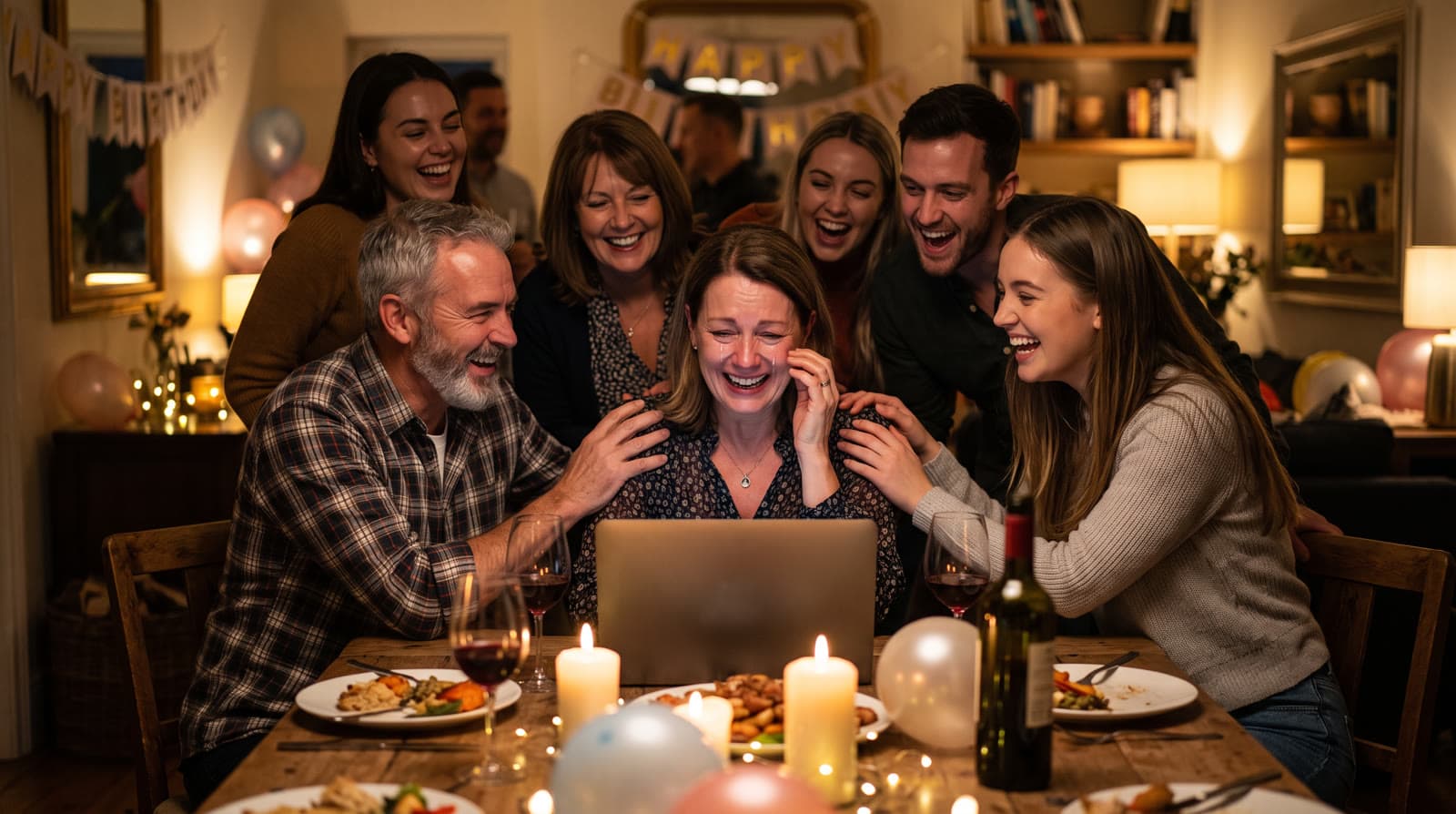
A group video gift collects short recorded messages from friends and family and stitches them into one video. A photo video uses the person's own photos, animated and set to music, to tell their story. Pick group messages when the point is "look how many people love you." Pick a photo video when the point is "look how far you've come." For a big birthday or a bar or bat mitzvah, the two work well together.
Two different gifts that get called the same thing
Search for "video gift" or "tribute video" and you'll find two kinds of products mixed together. They sound alike but they're built for different things.
- Group message videos. You send a link to friends, family, or coworkers. Each person records a short message on their phone, and the service compiles them into one video. Tribute and VidDay both work this way. For a wider look at tribute tools, see the best tribute video makers.
- Photo videos. You gather the person's photos, and they become the video. With Echoes, the photos blend one into the next in a continuous video that shows the person change over the years, and the whole thing is finished with music, a personal opening, and a closing title card.
One is built around the people who love the guest of honor, and the other around the guest of honor's own life.
What a group message video does well
- It shows how many people care. Forty faces saying happy birthday is a moving thing to watch, especially for someone who has moved away or retired.
- It works across distance. Everyone records from wherever they are.
- It captures voices. For a grandparent, hearing the grandchildren's voices may matter more than any image.
Its limits are practical. You depend on other people recording in time, and the quality varies: some messages are great, some are shot sideways in a noisy car. And it doesn't tell the person's own story. It tells how others feel about them.
What a photo video does well
- It tells their story. The newborn, the first day of school, the wedding, today. A photo video carries the years in a way a row of greetings can't.
- It only depends on you. Nobody has to record anything. Once the photos are in hand, most people finish in under 30 minutes.
- It brings old photos to life. Seeing a parent or grandparent move in a photo from decades ago is often the moment people remember.
- It fits the evening's big screen. A few minutes long, it plays at the hall as one piece, set to music.
The limit is the one you'd expect: there are no recorded greetings in it. It's a story told through photos.
Which one fits your occasion
| Occasion | Group messages | Photo video |
|---|---|---|
| Retirement or farewell | A strong fit | Good as a career-in-photos addition |
| Milestone birthday (60, 70, 80) | Good | A strong fit: a life in photos |
| Bar or bat mitzvah | Good for friends' greetings | A strong fit: growing up on screen |
| Anniversary | Good | A strong fit: the couple over the years |
| Remote birthday, family far away | A strong fit | Good |
These aren't rules, just where each format tends to shine.
Doing both
For a big event, you don't have to choose. One approach that works: the photo video plays first, at the emotional moment of the evening, and the group messages follow, or get shared afterwards in the family WhatsApp. That way the evening gets both: the person's story, and then the people in it.
If you're doing both, start the group messages first, because they depend on other people's timing. The photo video can come together in one evening once you've gathered the photos. A simple way to gather them: when you send the link for recorded messages, ask people to also send one or two clear photos of the guest of honor from years you don't have.
Making the photo video
- Gather the photos. Scroll back through the years and take a few from each. For old prints, photograph them with your phone in even daylight, straight on. No scanner needed.
- Pick a style. The Growing style is our signature video: each photo naturally morphs into the next, so you watch them change over the years. Each consecutive pair of photos becomes one animation. For group photos, Classic style works best.
- Finish it. Add a personal AI opening with your own text, music (your own song, the built-in library, or a custom song generated for you), and a closing title card, then compile and download the MP4.
Each step is a few clicks. The smallest package is a 1-minute video, which takes 12 photos in Classic style or 13 in Growing style, and each extra minute takes 12 more. So gather more photos than you think you need.
The photo rule that matters most: the face must be clearly visible. If a face is turned away or tiny in the frame, the AI has to fill in the details, and it stops looking like the person. There's more in how to choose photos for a video gift.
Why I built the photo side
The idea behind Echoes came from a birthday gift for my mother, made from her childhood photos and her parents' photos:
"I figured that if I could simplify all of that, anyone could create an emotional video gift of their parents - or their grown children - in minutes, without the trial and error."
- Sagie, founder of Echoes
Recorded greetings are a lovely gift, and the services above do them well. The photos are the part only the family has.
It's a one-time purchase priced by the finished video's length, with a 30-day money-back guarantee, and every package comes with a full set of free retries, one for every animation, for the ones that need another go. Your photos stay private and are never used to train AI models.

About the author
Sagie, founder of Echoes
Sagie is the founder of Echoes. He built it in 2025 after piecing together an AI video gift from his mother's old childhood photos for her 72nd birthday, and has since helped hundreds of families turn their own photos into video gifts.
Frequently asked questions
- Can Echoes collect recorded messages from other people?
- No. Echoes works from photos: you upload them, and it animates them and compiles one finished video with music, a personal opening, and a closing title card. If you want recorded greetings from friends, a group-message service is the right tool for that part.
- Can I make a separate video for each grandparent or family member?
- Yes. You can create as many separate projects as you like from one account, each with its own photos, music, and opening. That's handy when one event honors more than one person.
- Can I add a written dedication instead of a recorded message?
- Yes. The video opens with a personal AI opening with your own text, like a name and a date, and you can end it on a closing title card with a short dedication. Captions and voice narration during the video aren't supported yet.
- What if the event is only a few days away?
- A photo video can be made in one sitting: most people finish in under 30 minutes once the photos are in hand. The slow part is gathering photos, so start there.
- What does a photo video cost?
- It's a one-time purchase priced by the length of the finished video, not a subscription, with a 30-day money-back guarantee. Retries and re-compiling the final video are included.
- Are my photos private?
- Yes. Your photos are private to you, stored securely, never used to train AI models, and you can delete them from your dashboard at any time.