
A graduation video from baby photos to today
 By Sagie, founder of Echoes·Updated October 8, 2026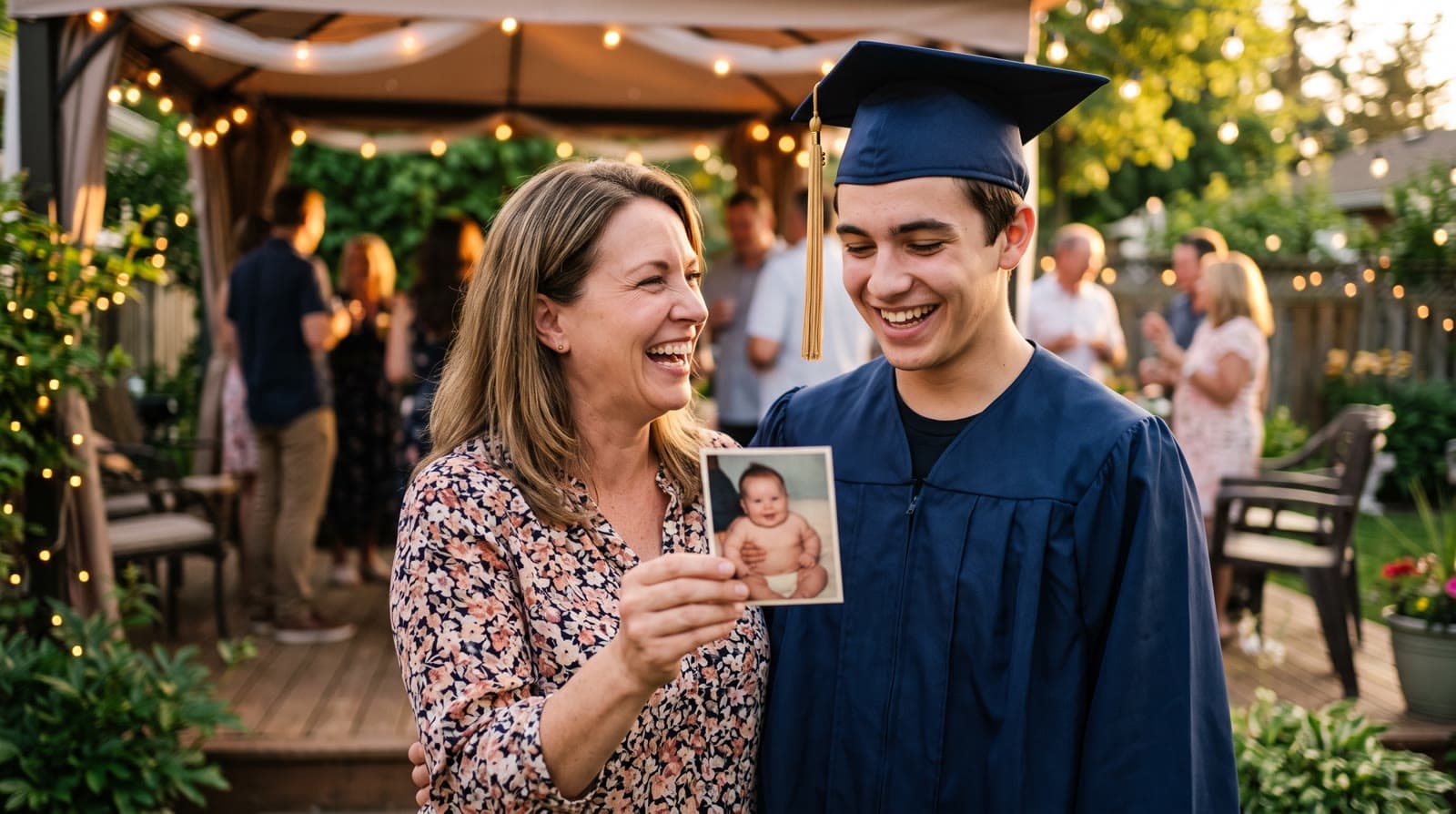
A graduation video from baby photos shows your graduate growing up in one continuous video. You upload their photos in age order, from the first baby photos to senior year, and each photo blends into the next. Add a personal opening and a song, and play it on the screen at the graduation party.
Why a growing-up video fits graduation
High school graduation is the end of childhood in a very visible way. The same kid who was in a car seat in the first photo is about to leave home. Parents feel it, grandparents feel it, and the graduate usually pretends not to.
A slideshow of baby photos is a long tradition at graduation parties. A Growing video takes the same photos and turns them into one continuous motion: each photo morphs into the next, so you watch them grow up instead of flipping through pictures. Some people call it an age morphing video. It's the same idea.
How it works
- Gather photos across the years. From the first baby photos to senior portraits and the cap and gown, if you have it already.
- Upload them in age order, earliest first.
- Echoes blends each photo into the next. Every consecutive pair becomes one animation. The motion style for each blend is chosen automatically at random from a bank of styles, or you can pick it yourself.
- Finish it with a personal opening, title cards, and music, then download one MP4.
Each step is a few clicks, and the animations are created in the background while you do something else.
How many photos
Eighteen years is a lot of ground to cover, so collect generously. The smallest package is a 1-minute video, which takes 13 photos in Growing style, and each extra minute takes 12 more. Each consecutive pair of photos becomes one animation of about five seconds.
For a party screen, two to four minutes is comfortable: about 25 to 49 photos. A simple target is two photos from each year, plus a few extra from the years you love most. There's more on choosing a length in how long should a video gift be.
Where to find the photos
- Your phone's photo library covers the recent years. Search by year or scroll back.
- School photos from every grade are a gift for this video: same pose, same framing, a clear face every year.
- Prints in albums cover the early years for many families. Photograph each print with your phone in even daylight, straight on, without glare. For fragile originals, the Library of Congress has a short guide to caring for and handling photographs.
- Grandparents often have photos you've never seen. Ask early.
Which photos work best
- The face is clearly visible. This matters more than anything else. If a face is turned away, small, or covered, the AI fills in the details and it stops looking like your child.
- Your graduate is the main subject in every photo. Keep it to fewer than three people per photo, so the blend follows them and not a sibling or a friend.
- Ordinary moments are welcome. The first day of kindergarten, the lost front tooth, the driving test. You don't need perfect photos; clear ones are enough.
If your favorite photos are big team or class shots, keep them for a separate part made in the Classic style, which animates each photo on its own and handles group photos well. In the final step you can put that part before or after the Growing video.
Finishing for the party
- A personal opening with your own text, such as their name and "Class of" and the year, in a style like Album of Memories, Window of Time, or Door of Light.
- Music. A song they love, a track from the built-in library, or a custom song written for them. You can chain a few songs so they play one after another.
- A closing title card with a short message from the family.
- Landscape for a TV or projector. See portrait, landscape, or square.
If an animation doesn't come out right, retry it or swap the photo. Every package comes with a full set of free retries, one for every animation in it. You can re-compile the final video as many times as you like.
When to play it
The best moment is usually once the guests have arrived and eaten, before any speeches. Dim the lights if you can and turn the sound up. If the party is outdoors, test the screen in daylight first; a TV in the shade often works better than a projector.
After the party, send the file to the family. It's the kind of video that gets watched again when they leave for college.
"The pivot to Growing videos of children was a big evolution for Echoes: emotional tributes to the most valuable people in our lives - our children."
- Sagie, founder of Echoes
Your photos stay private, are never used to train AI models, and can be deleted anytime from your dashboard. The Growing style is our signature video, where each photo naturally morphs into the next. For group photos, the Classic style works best.

About the author
Sagie, founder of Echoes
Sagie is the founder of Echoes. He built it in 2025 after piecing together an AI video gift from his mother's old childhood photos for her 72nd birthday, and has since helped hundreds of families turn their own photos into video gifts.
Frequently asked questions
- Can I make one for a college graduation too?
- Yes. The idea is the same at any age: photos of the graduate from their earliest years to the graduation itself, in age order. For a college graduate you simply have more years to cover, so it's worth gathering a few more photos.
- What if the school asks for a senior slideshow for the ceremony?
- Read the school's rules first. Some ask for a few still photos rather than a video, or have a length limit. The Growing video is usually best for your own party, where you control the screen, the sound, and the timing.
- Can friends and teammates be in it?
- Yes, as long as the graduate stays the clear main subject in each photo, with fewer than three people per photo. Big team photos are better kept for a separate part made in Classic style, which handles group photos well.
- How long does it take to make?
- Most people finish in under 30 minutes once the photos are gathered. The animations are created in the background, so you can leave the tab and come back when they're ready.
- Can I post it on Instagram or TikTok?
- Yes. The finished video is an MP4. For the party screen, landscape is best. For social media, a shorter portrait version works better, and you can make it as a second project with the strongest photos.
- What does it cost?
- It's a one-time purchase priced by the length of the finished video, not a subscription, with a 30-day money-back guarantee. Retrying animations, changing music and titles, and re-compiling the final video are included.