Is it okay to animate photos of a loved one who passed?
 By Sagie, founder of Echoes·Updated November 2, 2026
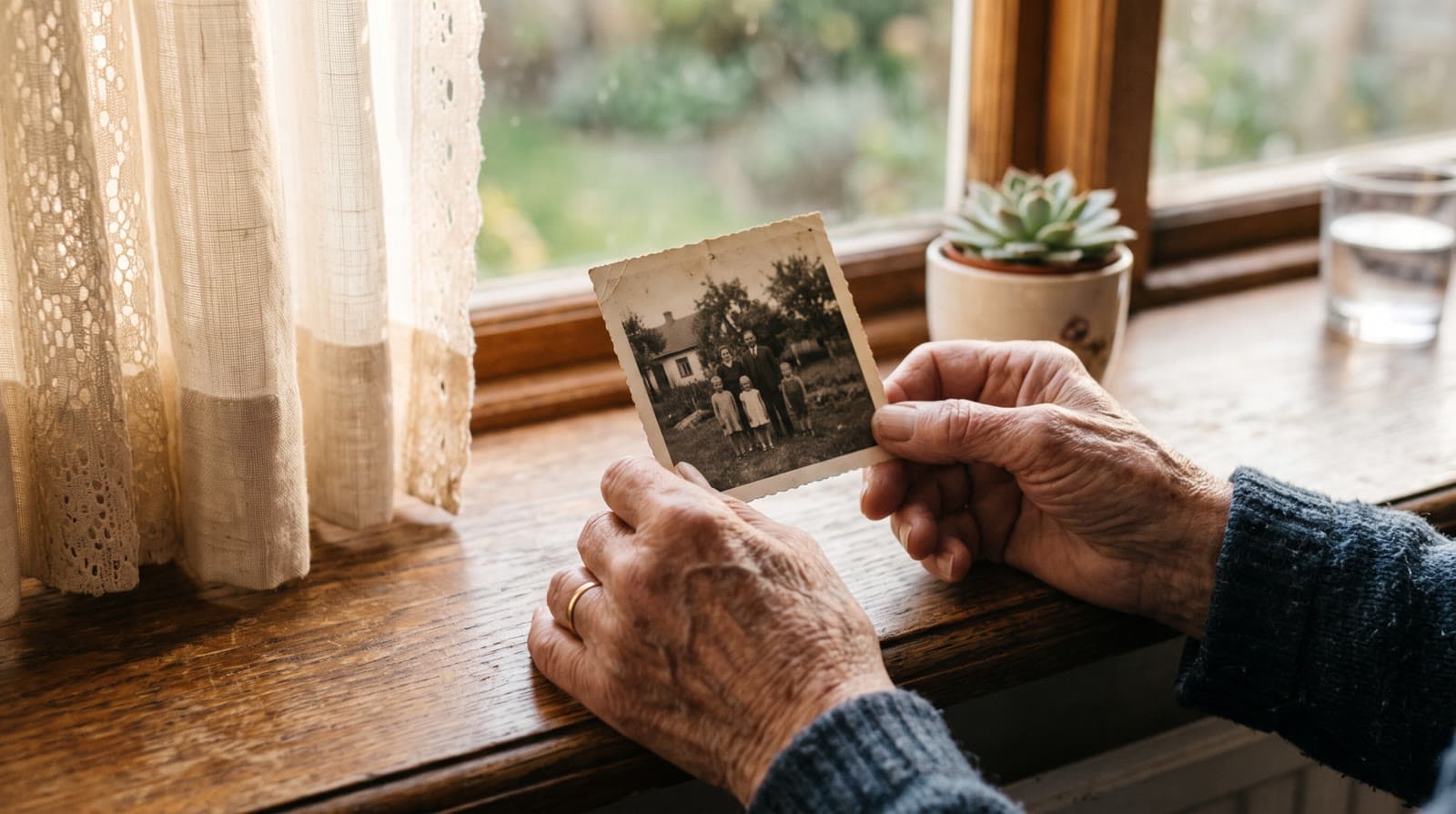
It can be, when it's done with care and the closest family agrees. Gently animating real photos the family chose adds motion to pictures you already have; it doesn't give your loved one a voice, a chatbot or new words. AI that imitates them, such as a cloned voice or a talking avatar, is a different category.
A fair question to ask
When the photos are what you have left of someone you miss, it makes sense to pause and ask before doing anything to them. Some people see a face they love move again and feel close to them. Others find the idea strange, or simply prefer the photos as they are. Both reactions are reasonable, sometimes within the same family, and there's no single right answer.
It can help to be precise about what the AI actually does. "AI and loved ones who have died" covers very different things, and the strongest concerns belong to one kind in particular.
Two very different things
Animating real photos. You choose photos the family already has, put them in order, and each one is brought to life with gentle, natural motion. It doesn't give them a voice, a chatbot or new words, and the starting point is always a photo someone really took. It's closer to a photo album than to anything else.
AI that imitates the person. This is a different category: cloning their voice from old recordings, building a talking avatar that speaks words they never said, or a chatbot trained on their messages that answers as them. These are sometimes called "griefbots" or "deadbots".
The second kind is where researchers have raised real concerns. In 2024, researchers at the University of Cambridge's Leverhulme Centre for the Future of Intelligence published a paper in Philosophy and Technology calling for safeguards to prevent unwanted "hauntings" by AI chatbots of dead loved ones. They argue that chatbots simulating people who have died can cause psychological harm without design safety standards, and call for consent, the ability to opt out, a dignified way to retire such bots, and transparency. Their work is about chatbots, not animated photos, but it's a useful way to see where the line sits.
What Echoes does, and what it doesn't
Echoes animates the real photos you upload with gentle, natural motion. In our signature Growing style, each photo naturally morphs into the next, so a little girl in a school photo grows, photo by photo, into the grandmother the family knew. The prompt for each animation is tailored to your photos.
Just as plainly, here is what Echoes does not do:
- No voice cloning. It never recreates anyone's voice.
- No talking avatar. It doesn't turn a photo into a person who speaks to the camera.
- No chatbot. Nothing answers as them or carries on a conversation in their name.
- No new words in their mouth. Nothing Echoes creates is said in their voice or as them. The words on screen are yours: an opening, a text slide, a caption, a closing. If you choose a custom song, it's AI-generated, with lyrics drafted from what you tell it and edited by you, and a song you upload carries its own lyrics.
If you want their real voice in the video, there's an honest way: the closing can be a real home video of them, up to 2 minutes, that keeps its own sound, and so can a video opening of your own, up to 60 seconds. For ideas on the words you add yourself, see what to write in a memorial video.
Talk to close family first
The person making the video may not be the only one with a say, and the closest family's wishes come first. A spouse, a sibling or an adult child may feel very differently about seeing the photos move, and it's kinder to ask before than to surprise them after.
- Ask the closest people directly, especially a surviving spouse or partner.
- Show one animation first rather than describing it. Seeing the real motion is easier to judge than a description of it.
- Respect a no. If someone close doesn't want it, a still slideshow, a smaller private video, or no video at all is a fine outcome too. The guide to a memorial slideshow vs. a memorial video compares the two.
Watch it privately before it plays for others
Watch the whole video alone, or with one or two close people, before it plays at a memorial. A face that moves can feel different on a big screen with the whole family there than on a phone at home. Watching it privately first gives you time to replace an animation, leave a photo out or change the music, and you can remake the final video as many times as you like at no extra cost.
When some relatives prefer still photos
You don't have to choose all or nothing. A few gentle ways to mix:
- Open on a still photo. The opening can be a photo with your own text over it, so the video begins on a picture exactly as the family knows it.
- End on a photo too. The closing can also be a photo with your text, or a colored slide with a few words.
- Leave a photo out. If someone would rather not see a particular photo move, leave it out of the animations and use it for the opening or the closing instead, where it stays still.
- Slow it down. The "Longer animations" setting makes each animation play a little longer in the final video, which gives a calmer pace.
Choose photos where the face is clear
This matters more than anything else for a memorial. Use photos where the face is clearly visible. If the face is tiny, blurred, hidden or turned away, the AI has to fill in the missing details, and the result stops looking like them. That's the moment an animation can feel wrong.
So lead with the clearest pictures, even if they aren't the family's favorites. You don't need every year either: if the family would rather leave out photos from an illness or the last months, that is their choice. For where to look for them, see finding photos of a loved one who passed.
If an animation doesn't look like them
It happens sometimes. There are three simple ways to fix it:
- Retry it. Every package includes a bank of free retries sized to the package. A retry makes a new version of the animation, and you can also pick a specific animation yourself.
- Swap the photo for a clearer one of the same moment. Swapping uses retries from the same bank.
- Leave it out. In a Growing video, Echoes can close the gap with one new animation that flows from the photo before to the photo after, so the video doesn't jump. That new animation uses one retry.
You decide on every animation that goes into the final video, and the fixes are simple to do yourself. As one customer put it:
"I was able to handle every step completely on my own, including the necessary revisions."
- Keren
Religious and cultural sensitivities
Customs around images of someone who has died vary between religions, communities and families, and even within one family. Some families play a video at the memorial itself, and some prefer to share it only at home. If you're unsure, ask whoever leads the memorial, such as a rabbi, a priest, an imam, an officiant or the family elder, before the day. For the Jewish yearly memorial specifically, see a video for an azkara.
Your photos stay private
Photos of someone you've lost are among the most personal things a family has. Your photos are private to you, stored securely, and never used to train AI models. They're only used to make your video, and you can delete everything from your dashboard whenever you want.
For the full step-by-step process, from gathering photos to playing the video, see the guide on how to make a memorial video.
What makes Echoes different
Echoes turns photos from across the years into one continuous video of a life. Each photo flows into the next, so a little girl grows into the grandmother the family knew, or a couple ages together over decades, in a single unbroken shot. Echoes then finishes it, ready to play at the memorial.
- Growing videos. You add dozens of photos of the same person or couple, and Echoes morphs each one into the next. It isn't a slideshow or a set of separate animations: you watch someone grow up or grow old in one continuous video. It fits memorials, family tributes, and anniversaries.
- Automated, but guided. Echoes does the heavy lifting: it picks the AI models, writes the prompts, generates the animations, and stitches everything into one finished video. You still decide everything that matters. It walks you step by step through ordering your photos, reviewing each animation (with a full set of free retries), and choosing the opening, the ending, and the music. You get the result of a skilled AI video workflow without having to learn one.
- A finished video, not a tool. The result is a complete video with titles, an ending, a soundtrack, and a share link. It's priced by the length of the finished video, not by credits or tokens: a one-time purchase, with a 30-day money-back guarantee.
Your first animation is free to try, so you can see how one of their photos looks, and take your time deciding.

About the author
Sagie, founder of Echoes
Sagie is the founder of Echoes. He built it in 2025 after making a video from his mother's old childhood photos, and has since helped hundreds of families turn their own photos into videos.
Frequently asked questions
- How do we share the video with relatives who can't come to the memorial?
- Send them a link to the finished video, or download the MP4 and send the file, for example on WhatsApp. Once downloaded, it plays without an internet connection. Anyone who has the link can watch, so send it only to the people you mean to, and you can stop sharing at any time, which makes the link stop working.
- Should we tell people at the memorial that the photos were animated with AI?
- There's no rule. Whoever introduces the video can say the photos were animated, or the opening text can mention it. That helps older relatives who haven't seen animated photos before know what to expect.
- What if the only photos we have are old and faded?
- Old, slightly faded prints can still work well as long as the face is clearly visible. You don't need a scanner: photograph each print with your phone in even daylight, held straight on. Lead with the clearest ones, and leave out the photos where the face is tiny, blurred or turned away.
- What does a memorial video cost?
- It's a one-time purchase priced by the length of the finished video, not a subscription, with a 30-day money-back guarantee. The opening, music, a bank of free retries sized to the package, and remaking the final video as many times as you like are all included.
- How long does it take to make?
- Making it doesn't take much of your time: most people finish in under 30 minutes. The animations are made in the background, so you can upload the photos, close the tab, and come back whenever you're ready to review them and finish the video. If you get stuck, a real person is on WhatsApp to help.