
A first communion video from baby photos to today
 By Sagie, founder of Echoes·Updated November 17, 2026
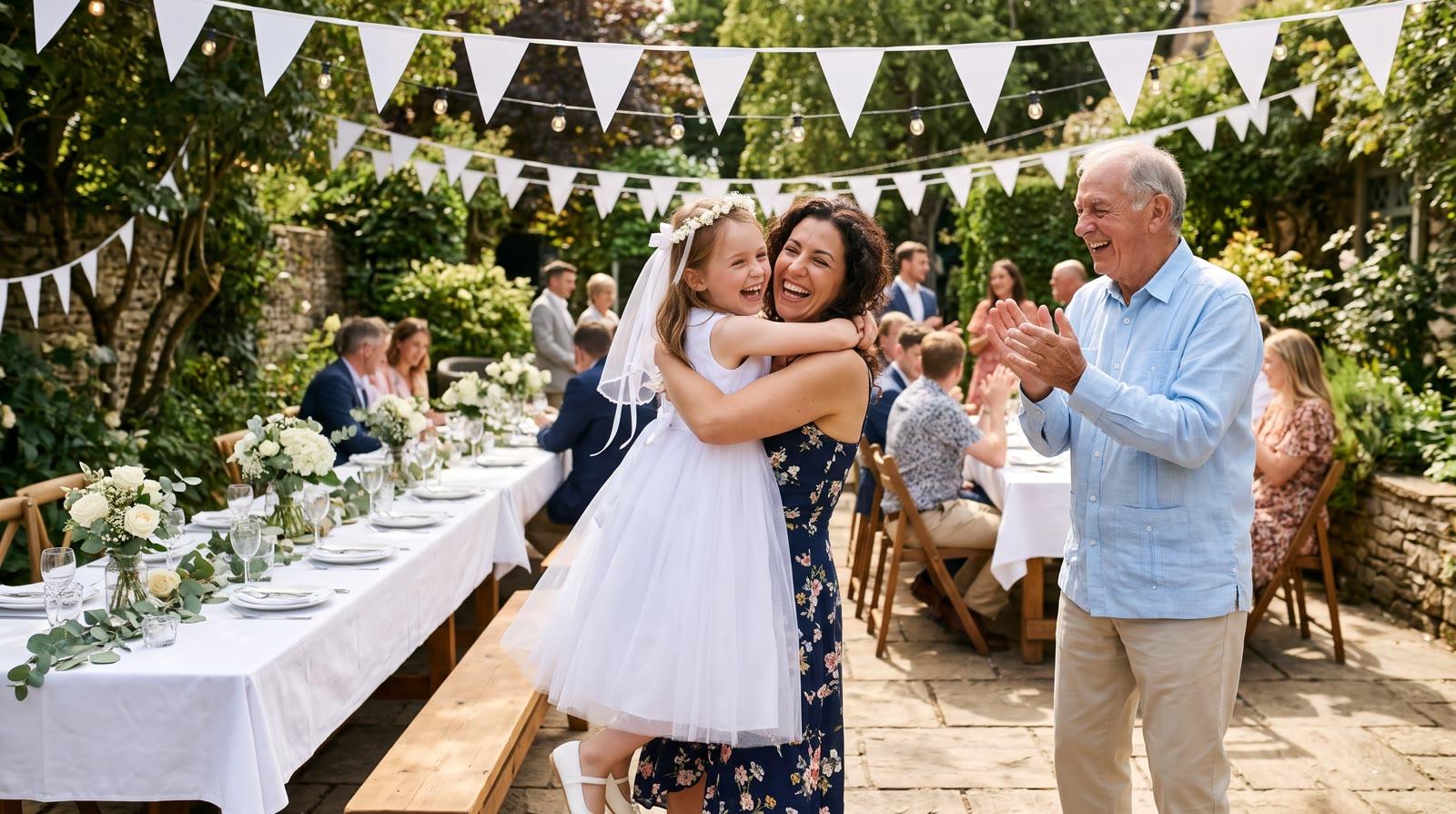
A first communion video takes your child's photos from their first days to today and morphs each one into the next, so the family watches them grow up in one continuous video. A 2-minute video takes about 25 photos. Echoes animates them and adds music and an opening with the child's name and the date.
A few years, told in one video
A first communion usually comes during primary school, so the video covers only a few years of photos. That makes it easier than a quinceañera or a graduation video: the photos are recent, most of them are already on your phone, and you need fewer of them.
What makes it moving is the distance between the baby at the baptism and the child walking up in white today. A slideshow shows those photos one after another. A Growing video morphs each photo into the next, so the baby turns into a toddler, a kindergartner and then the child of today, in a single shot. At Echoes this is called a Growing video, and it is our signature style.
If you want the general how-to first, the guide on making a Growing video walks through it. This post covers what is particular to a first communion.
A family who made a video for their son's Bar Mitzvah, a different ceremony at a similar age, wrote:
"Great experience! The app was simple and easy to use, and the result was exciting and professional. We created a special AI video for our son's Bar Mitzvah, which documented the moment in an original and unforgettable way. Highly recommended!"
- Guy
How many photos you need
The number of photos sets the length. The smallest package is a 1-minute video, which takes 13 photos in Growing style, and every minute after that takes 12 more. Two minutes suits a child this age well:
- 1 minute: 13 photos
- 2 minutes: 25 photos
- 3 minutes: 37 photos
For an eight-year-old, 25 photos is about three from each year. Pick a few from every year rather than twenty from the first one, so the growing up feels steady.
Which photos to choose
What matters most is that your child's face is clearly visible in every photo. If it's turned away, tiny or hidden, the AI fills in the details and it stops looking like them. Everyday photos work well; they don't need to be perfect.
- Your child as the clear subject, with fewer than three people in each photo.
- Photos spread across the years, from the newborn days to this year.
- End on a recent photo, close to the communion, so the last image is the child everyone came to celebrate.
The baptism photos are often group photos: the baby in a godparent's arms, with the parents beside them. Group photos like these suit Classic style, which animates each photo on its own, and a video can hold both: a Classic part for the baptism and family photos, and a Growing part for the years since. A text slide can introduce each part. There's more in how to choose photos for a video gift.
The godparents, the grandparents and the early photos
The early photos are usually the hardest to find. The baptism and the first birthday often live in a grandparent's album or on a godparent's phone. One short message to the family group, asking for a few clear photos of the child by a fixed date a week before the communion, is usually enough.
Old prints don't need a scanner. Photograph each one with a phone in even daylight, held straight on. For prints you want to keep safe, the Library of Congress has a short guide to caring for and handling photographs.
The video also works well as a gift from the godparents, whether they are the baptism godparents or the ones chosen for the communion.
What to write on screen
A first communion video needs only a few words:
- The opening text: the child's name and the date of the communion, and a short line from the family or the godparents. The AI opening comes in several styles, such as Album of Memories, Window of Time and Door of Light.
- Text on an animation: a short line over one animation, such as an age ("2 years old", "first day of school"). A few of these mark the chapters inside one Growing video.
- The closing: a designed ending with a title and a line for the child, or a photo or short video of your own with your words over it.
Keep each line short: people read it from across the room, and a name and a date say enough.
Music
Upload a song the family chose, pick something gentle from the built-in library, or create a custom song from a few lines about your child, with singing or instrumental only. A hymn from the mass, a song the child loves, or quiet instrumental music all work.
Playing it at the party
The video plays best at the celebration after the mass, at home, in a garden or in an event hall, rather than in the church. A few things help:
- Choose the shape before you start. The shape is chosen when you upload the photos, with a suggestion based on them. Landscape suits a TV or a screen at the hall, portrait suits sharing on phones.
- Pick the moment. A good one is after the meal, when everyone is seated, rather than in the middle of the games or the dancing.
- Test it once on the real screen with the sound on, and keep the MP4 on a phone and a USB stick as a backup.
There's a full checklist in how to play a video gift at an event. Afterward, share the link in the family group, so the godparents and the relatives who couldn't come can keep it.
Adding to it later
The project stays in your account, so the video doesn't have to end at the communion. You can add photos to the Growing video later, at the start, at the end or in between. A photo at either end adds one animation; a photo in the middle replaces one animation with two. New animations come from your package, and re-compiling the final video is included. Years later, the same early photos can start a longer video, for a quinceañera video or a graduation.
What makes Echoes different
Echoes turns photos from across the years into one continuous video of a life. Each photo flows into the next, so a baby at the baptism grows into the child at the first communion, or a couple ages together over decades, in a single unbroken shot. Echoes then finishes it as a gift, ready to play at the event.
- Growing videos. You add dozens of photos of the same person or couple, and Echoes morphs each one into the next. It isn't a slideshow or a set of separate animations: you watch someone grow up or grow old in one continuous video. It fits first communions, quinceañeras, anniversaries, and family tributes.
- Automated, but guided. Echoes does the heavy lifting: it picks the AI models, writes the prompts, generates the animations, and stitches everything into one finished video. You still decide everything that matters. It walks you step by step through ordering your photos, reviewing each animation (with a full set of free retries), and choosing the opening, the ending, and the music. You get the result of a skilled AI video workflow without having to learn one.
- A finished gift, not a tool. The result is a complete video with titles, an ending, a soundtrack, and a share link. It's priced by the length of the finished video, not by credits or tokens: a one-time purchase, with a 30-day money-back guarantee.
Your first animation is free to try, so you can see how one of your child's photos looks before you decide.

About the author
Sagie, founder of Echoes
Sagie is the founder of Echoes. He built it in 2025 after piecing together an AI video gift from his mother's old childhood photos for her 72nd birthday, and has since helped hundreds of families turn their own photos into video gifts.
Frequently asked questions
- Can I add a photo from the communion day itself?
- Yes, after the day. Make the video beforehand with the photos up to this year, so it's ready for the party. Afterward you can add a photo from the communion at the end: a photo at the end adds one animation from your package, and re-compiling the final video is included, so the copy you keep ends on the day.
- What does a first communion video cost?
- You pay once, for the length of the finished video, with no subscription. A 2-minute Growing video takes 25 photos and the 2-minute package. Current prices show when you choose a package. The AI opening, the music, a bank of free retries sized to the package and unlimited re-compiling come with it, plus a 30-day money-back guarantee.
- Can the godparents make it as their gift?
- Yes. Anyone can make it: the godparents, a grandparent or an aunt. They make it from their own account and send the finished MP4 or the share link to the family. The parents can still send this year's photos, so the video reaches the child as they are today.
- What if an animation doesn't look like my child?
- Retry it from the bank of free retries in your package and you get a new version. When you retry, you can also pick a specific animation yourself, or swap in a clearer photo of the same age. Swapping a photo uses retries from the bank, and you can re-compile the final video as many times as you like.
- Can I make one for twins or siblings receiving communion together?
- Yes, as separate videos. A Growing video works best when the same child is the main subject of every photo, so each child gets their own project, from their own baby photos. Photos of the siblings together can go in a Classic part of either video, introduced by a text slide.
- Are the photos private?
- Yes. Your photos are private to you, stored securely, and never used to train AI models. They're used only to make your video, and you can delete your photos and videos from your dashboard at any time.